
Hey,
Notion AI Agent dropped, and honestly, I was skeptical at first.
Another AI feature that sounds cool but doesn’t actually save time?
But after testing it extensively for the past few weeks, I found 6 use cases that genuinely changed how I work in Notion.
These aren’t gimmicks.
These are real time-savers that eliminate repetitive tasks and make Notion feel like it finally has a brain.
1. Bulk Mark Tasks & Habits as Done
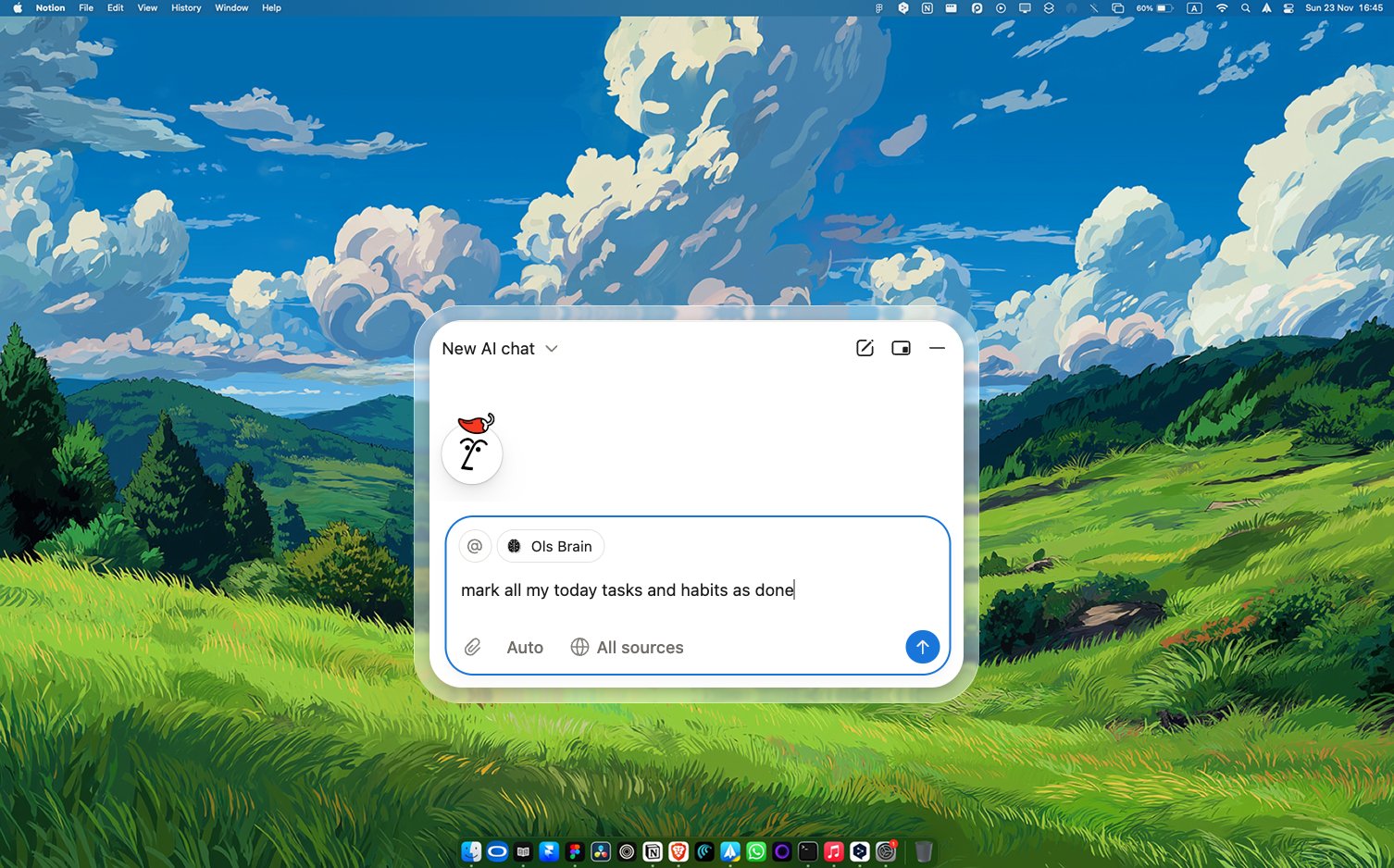
This one saves me at least 5 minutes every single day.
Whenever I finish all my daily tasks and habits, instead of going into each database and manually checking them off one by one, I just tell the AI:
“Mark today’s habits and tasks as done.”
Done.
All checked off in seconds.
Now, if I missed some tasks or habits, I do it manually because setting conditions for what I didn’t complete wastes more time than just checking them myself.
But when you’ve crushed your entire day? This feels like magic.
2. Monthly Finance Summary (This Is a Game-Changer)
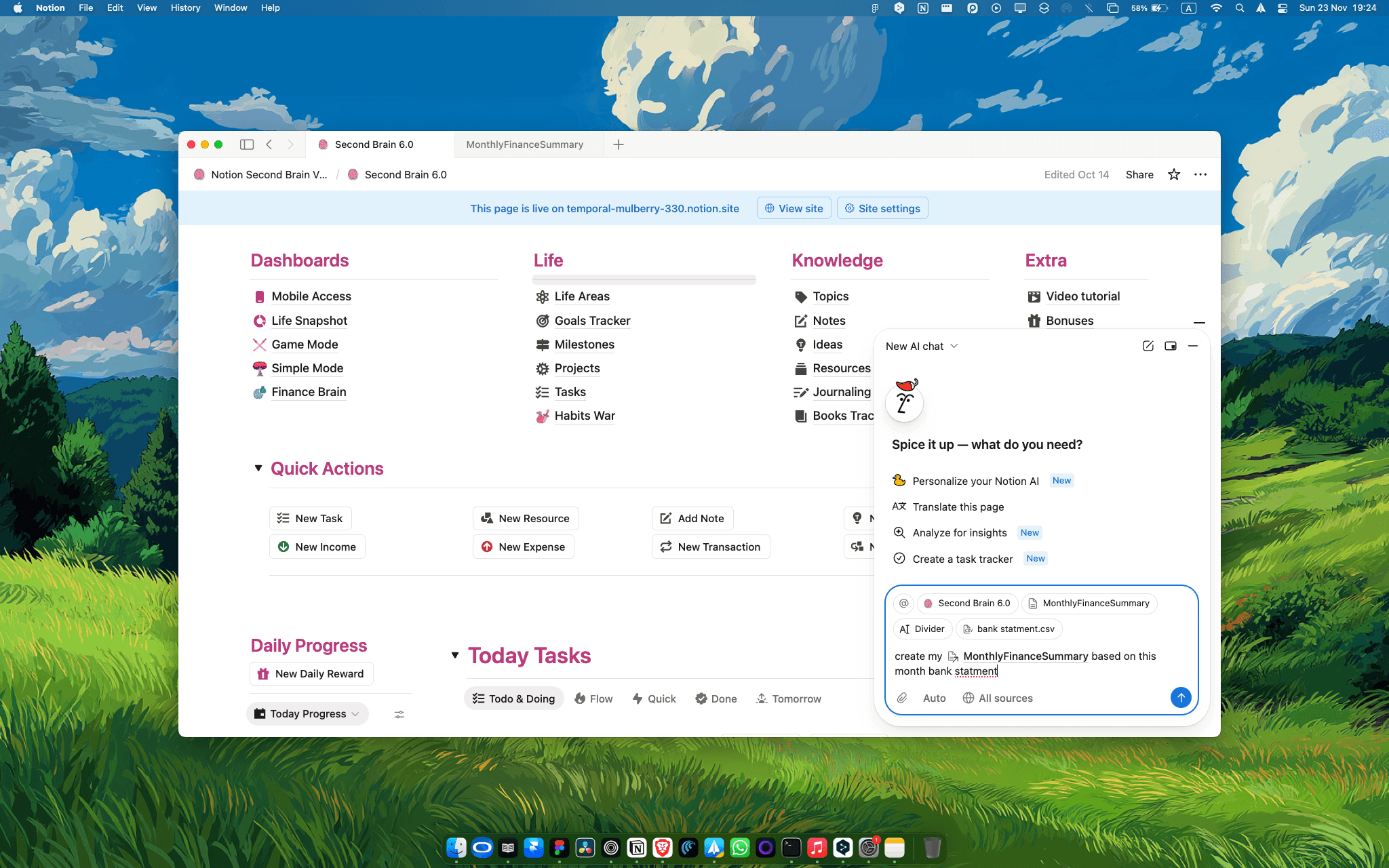
At the end of each month, I extract my income, expenses, and transactions from my bank as a CSV file.
Before AI Agent, I’d spend 30-45 minutes manually entering this data into my Finance Brain databases.
Now?
I upload the CSV to Notion AI Agent and say:
“Here’s my monthly bank statement—income, expenses, transactions. Use @MonthlyFinanceSummary to add this data to my Finance Brain.”
The AI Agent reads my custom prompt (which I saved as @MonthlyFinanceSummary) that includes:
If it’s income → add to Income database
If it’s expense → add to Expense database
If it’s TVA → add to Taxes database
If it’s a transaction → add to Transactions database
Categorize each entry properly
Relate to the correct month
Format amounts correctly
I went from 45 minutes of manual data entry to 2 minutes of uploading and prompting.
This alone saves me 6+ hours per year on a task I absolutely hate.
3. Find Tasks Assigned to You (For Team Workspaces)
If you’re in a group workspace with tons of assigned tasks flying around, finding YOUR tasks can be overwhelming.
Instead of manually searching through everything, just ask:
“Show me tasks assigned to me for today.”
The AI Agent will list them in text or link directly to the pages you’re assigned to.
It’s not a filtered database view, it’s more like having an assistant tell you exactly what’s on your plate.
Simple, but incredibly useful when you’re drowning in shared databases.
4. Planning Without Leaving Notion
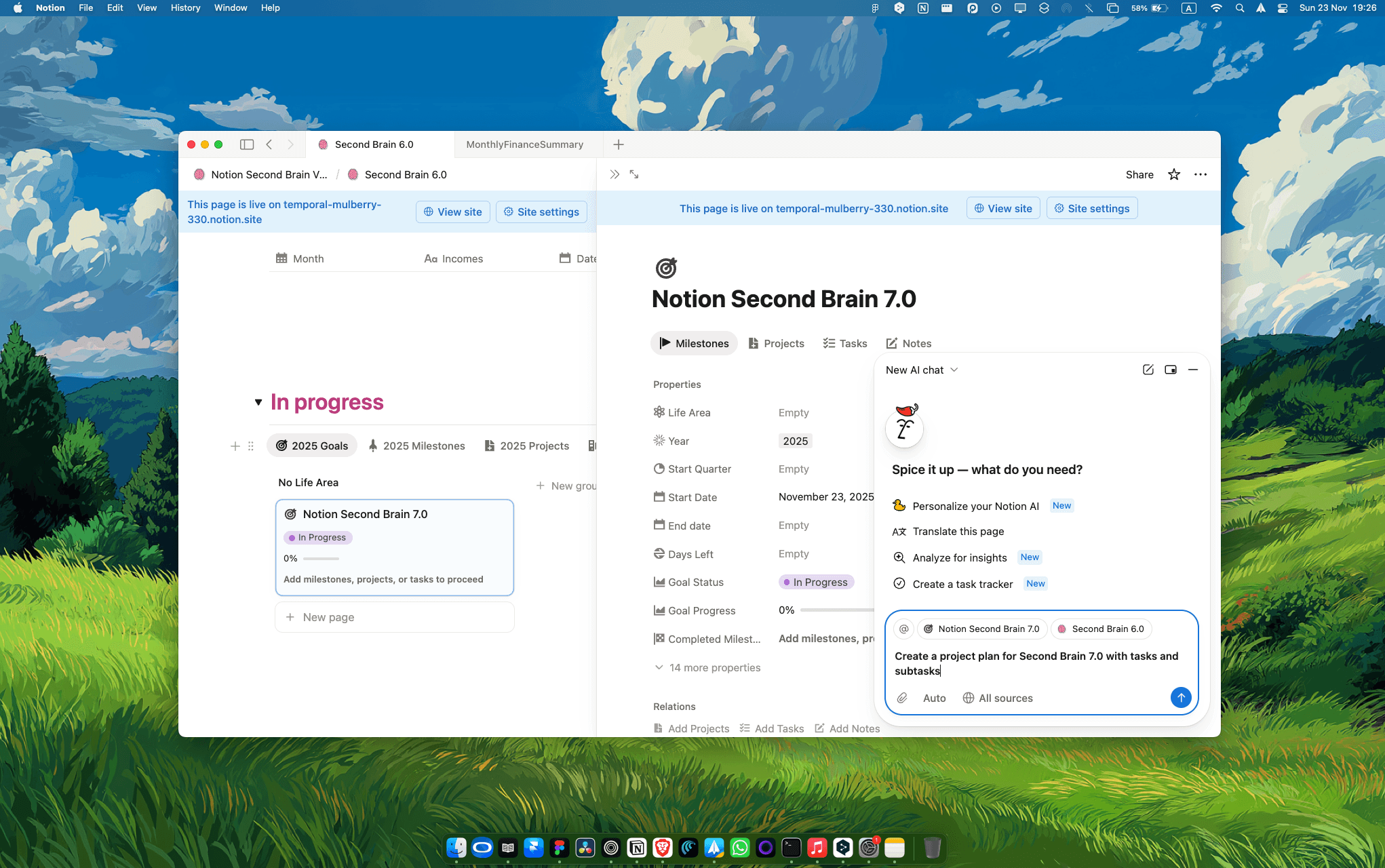
I used to plan major projects and updates in ChatGPT, then copy everything over to Notion.
The workflow was annoying:
Open ChatGPT
Ask for a project breakdown
Copy the response
Go to Notion
Paste and format
Now with AI Agent built directly into Notion?
I just say:
The AI Agent generates the entire project structure AND creates the pages with all the organization I need.
No more juggling between apps. No more copy-paste. Everything happens inside Notion.
5. Style Your Template with a Design Reference
Remember in my last newsletter where I mentioned 9 features I wish Notion would add?
One was an AI Theme Designer that could restyle your workspace based on a color palette or design image.
Notion AI Agent can partially do this now.
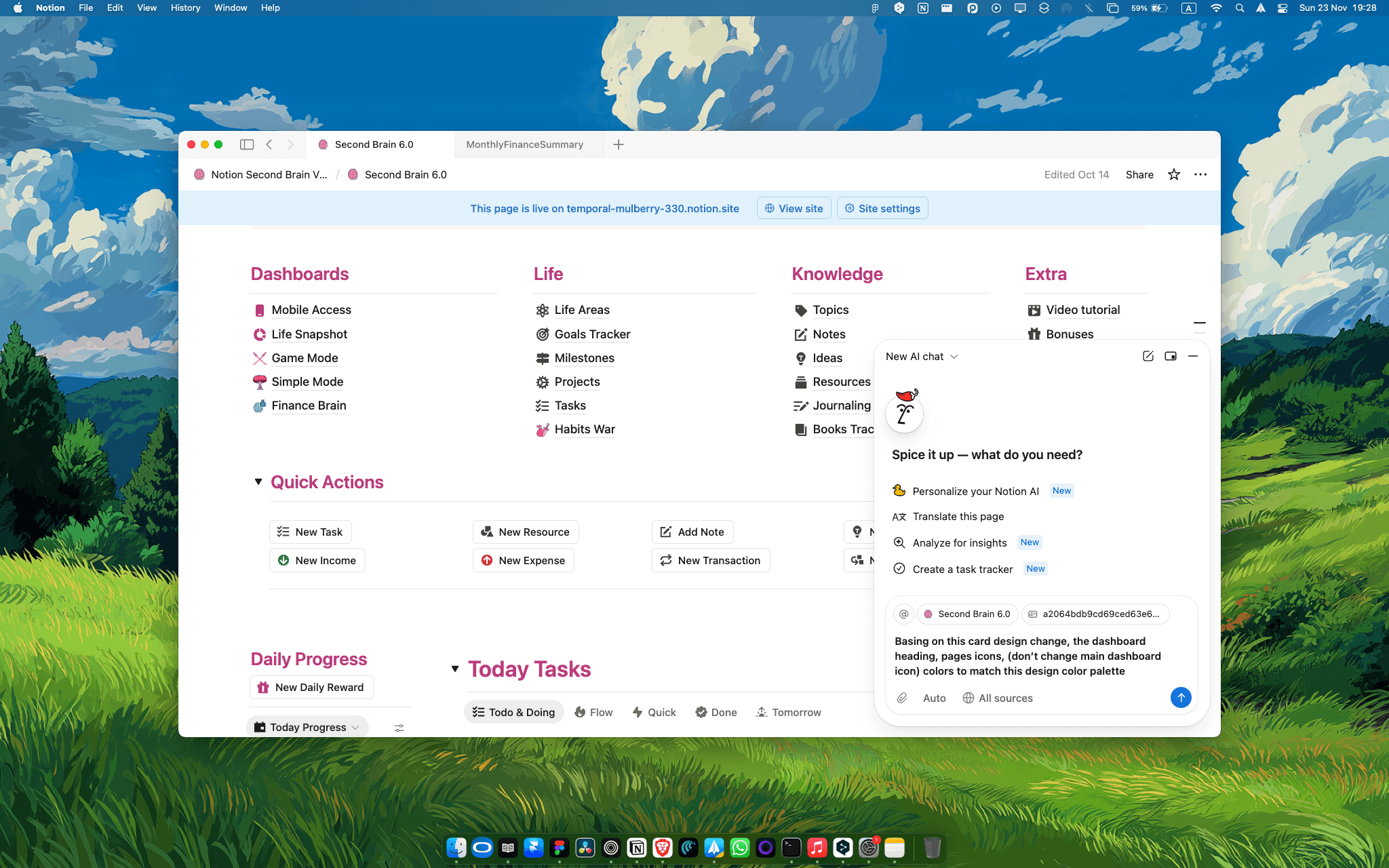
Upload a design image or color palette and tell the AI:
“Change my workspace colors to match this design.”
It’ll update headings, text colors, backgrounds, callouts, and even icon colors.
What it CAN’T do yet:
Change button colors
Access and modify formula styling
But it handles most of the visual redesign work, which is still way better than manually changing colors across 200 database views.
6. Bulk Page Operations (The Ultimate Time-Saver)
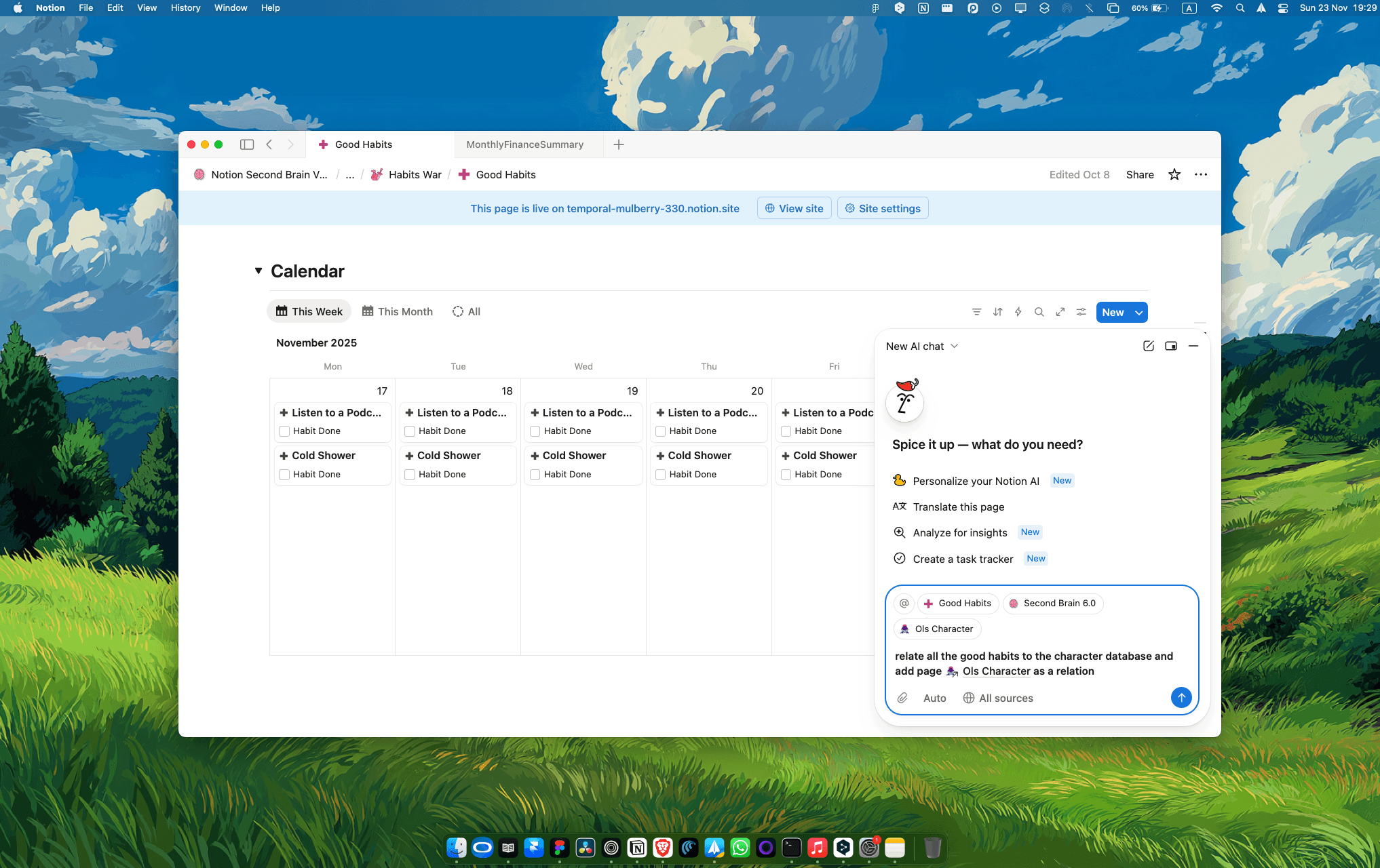
Let’s say you’ve been using a database for months and added hundreds of pages to it.
Then you create a new database and realize you need to relate all those old pages to this new one.
Doing this manually would take hours.
With Notion AI Agent?
“Relate all pages in [Database A] to [Database B] under the [Relation Property].”
Done in seconds.
This works for ANY bulk operation:
Adding tags to hundreds of pages
Updating properties across multiple entries
Moving pages between databases
Changing statuses in bulk
If you have too many pages to manually update, Notion AI Agent makes it so fucking fast.
Here’s What This Means for You
Notion AI Agent isn’t perfect, but these 6 use cases genuinely save hours of repetitive work.
If you’re using Notion seriously for productivity, projects, or business, these automation shortcuts are worth exploring.
The finance summary alone pays for itself in time saved.
Want to maximize what Notion can do for your productivity?
Second Brain 7.0 is built to work seamlessly with Notion AI Agent, with databases and workflows designed for exactly these kinds of automations.
👉 Get Second Brain 7.0
And if you’re a content creator juggling planning, publishing, and tracking, Creator Brain 4.0 has exciting updates coming that integrate perfectly with AI Agent workflows.
👉 Check out Creator Brain 4.0
Or grab the bundle (40% off) and get every template optimized for the way Notion actually works now.
👉 Get the Bundle
Thanks for reading.
Let AI do the boring stuff so you can focus on what actually matters.

Osama (OLS)