
12 features, counted down, no AI anywhere
Notion shipped a lot this year, and most of what you read about it was AI.
None of that here. No agents, no meeting notes, none of it. Just the 12 updates that changed how Notion actually looks and feels to use every day.
Counting down, and my three favourites are at the end.
12. High contrast mode
Settings, appearance, high contrast mode. Sharper text, clearer icons, visible borders.
It is a real accessibility win and I am glad it exists. It also makes your workspace look like a 90s Yahoo page, so go in knowing that.
11. H4 headers
One more level of heading, smaller than H3.
That is the whole update. It is finally in Notion. We shall now wait another two years for H5.
Small as it is, if you write long pages you have definitely wanted this.
10. Rollups with real formatting
Rollups can now show numbers as currency, percentages and decimals.
Honestly I thought some of this was already there. But it is here now, and if you build anything with money or tracked numbers in it, this kills a formula you used to need just to make a rollup readable.
9. HTML blocks
You can put actual HTML inside a Notion page. Upload the file or paste the code and it runs.
I dropped in a simple Pomodoro timer to test it and it worked fine.
I will be straight with you though, I have not found a real use for this in my own daily work yet. Maybe you will. The door is open now, which is the point.
8. Breadcrumb navigation
Hover the breadcrumb at the top of a page and you get its siblings, including database pages. Hover again, and again, until you land where you wanted.
It sounds stupid written down. I use it every single day. If you hate typing a page name into search just to move two pages across, this one is for you.
7. Archive pages
Archiving used to be a workaround. You made a checkbox called Archive, then filtered the database so anything ticked disappeared.
Now it is built in. Three dots, archive, gone. And when you want them back, database settings, view archived pages.
Much cleaner, and one less fake property in your database.
6. Library
One place to browse your whole workspace. Private pages, teamspaces, recents, shared, favourites, all in tabs.
Nice touch. I do not live in it, but when I am hunting for something I half remember, that is where I go.
5. Presentation mode
If the last time you opened PowerPoint was school, this is for you.
Three dots, presentation mode, and your page is a presentation. Want separate slides? Put dividers between your sections. It handles basically any block.
It is genuinely cool. Am I going to use it? No. But if you need something quick with no styling, you no longer have to leave Notion for it.
4. Dashboard view
This is one of the biggest UI updates of the year.
Before, you built dashboard pages by hand. Columns, linked databases, gallery views, hours of fiddling to get something that looked like one screen.
Now there is a proper dashboard view, and it pulls from multiple database sources at once. So I can build a daily page with today's tasks, habits and journal sitting together.
And here is the trick worth knowing. You can set one date filter and apply it across all of them. Pick the date property, choose today, done. One filter, every source.
One catch, and it is a real one. This launched on Business plan and up. No free plan. Sorry.
3. Tabs block
For me this is a game changer.
My main hub has five tabs now, and each one holds its own stuff. Before, I needed way more room on the page to fit all of it, and the page just got longer and longer.
Now it is way cleaner and it saves space. Type /tabs and you will see what I mean in about ten seconds.
2. Customize tab display
This one might look stupid to some of you. I love it.
You can now show database view tabs as text, icon, or both. What matters to me is I can show icons only.
That is it. That is the feature. And it makes my views so minimal that the whole database suddenly looks designed instead of assembled.
1. The new sidebar
The sidebar is fully customizable now, and this is my favourite thing Notion shipped all year.
You get tabs you can rename, give icons to, and toggle on and off. Inside each one you can add shortcuts. A new page button, a specific page, whatever you want.
You can also add sections and fill them with pages or databases. Which means your important stuff lives right there in the sidebar instead of being hunted down.
I have put today's tasks, my daily progress and my weekly report in mine. One click each, from anywhere in the workspace.
That is the one that actually changed my day.
That is the 12
We still have two months before 2027, so there is time for something even better to drop.
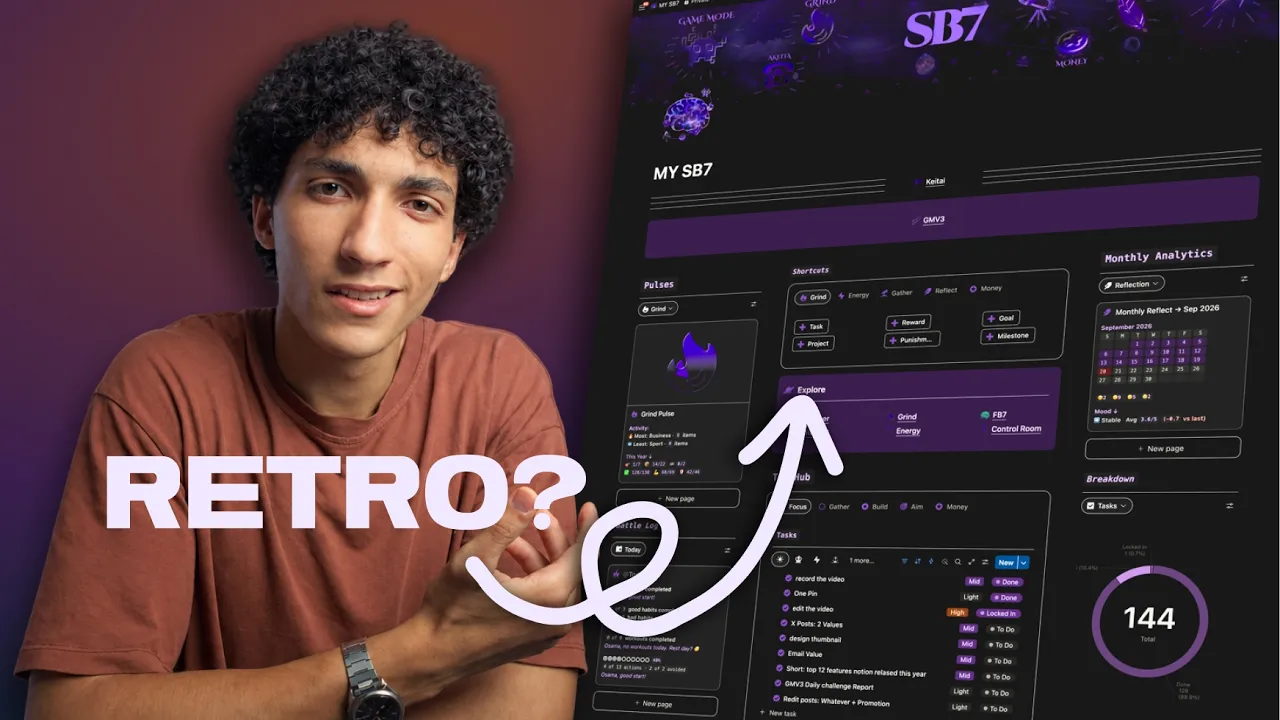
And if you want a Notion system that actually builds discipline, makes productivity enjoyable, and turns your daily life into something closer to a Steam game, that is what SB7 x Game Mode V3 is.
→ Get SB7