Every Notion Update from Q1 2026 — Full Breakdown
Notion shipped almost 30 updates in the first 3 months of 2026. Most people do not even know half of them exist. Here is the full breakdown — every major update from January to March, explained simply.
Quick note — I also made a video covering everything in under 6 minutes. No fluff. If you prefer watching over reading, here it is
Now let us get into it.
1. Custom AI Agents
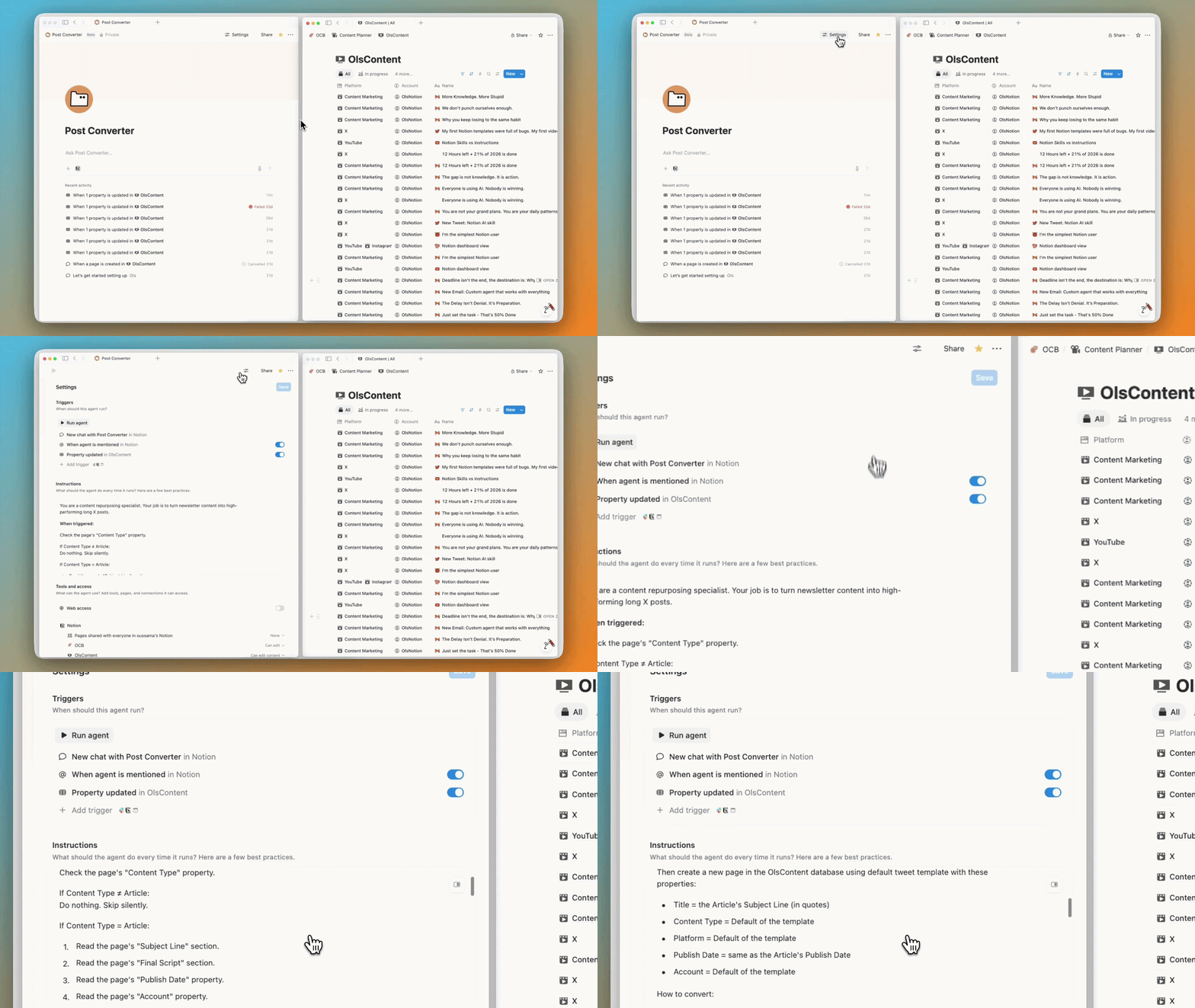
The biggest one yet. In Notion 3.0, they introduced AI agents. Now you can take it further and build your own custom one.
You define a trigger, give it instructions, and it runs automatically.
Real example — whenever I publish an article in my content database, my agent reads it and turns it into a long tweet format. That alone saves me a ton of time.
You can trigger it on a schedule, when a page is added, or when a property changes. It also connects with tools like Slack, Notion Calendar, Figma, and more.
The only downside — it uses AI credits, so the more you use it, the more you pay. And it is only available on Business and Enterprise plans.
2. Dashboard View
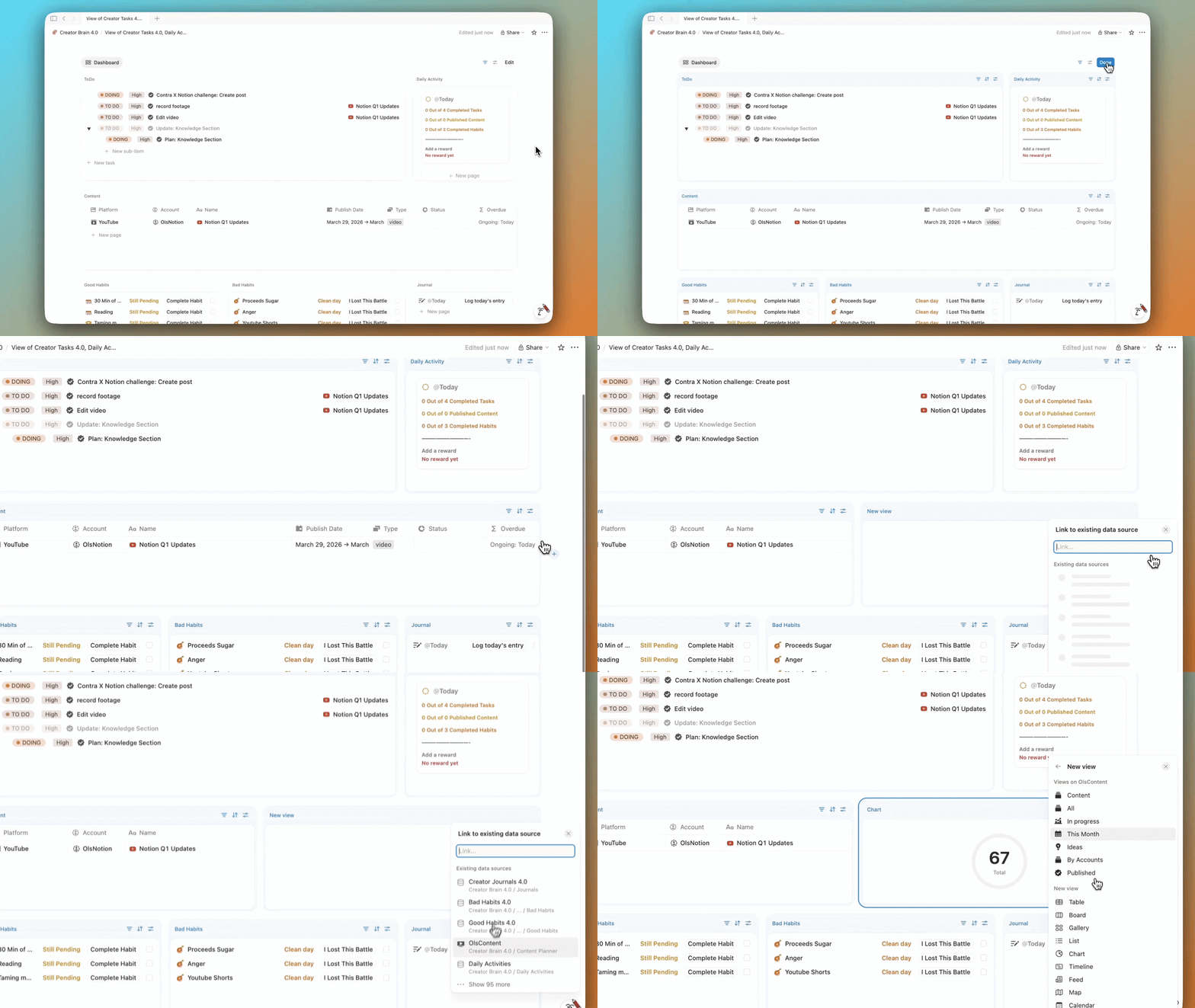
This is probably the biggest UI update yet. The new dashboard view looks super clean.
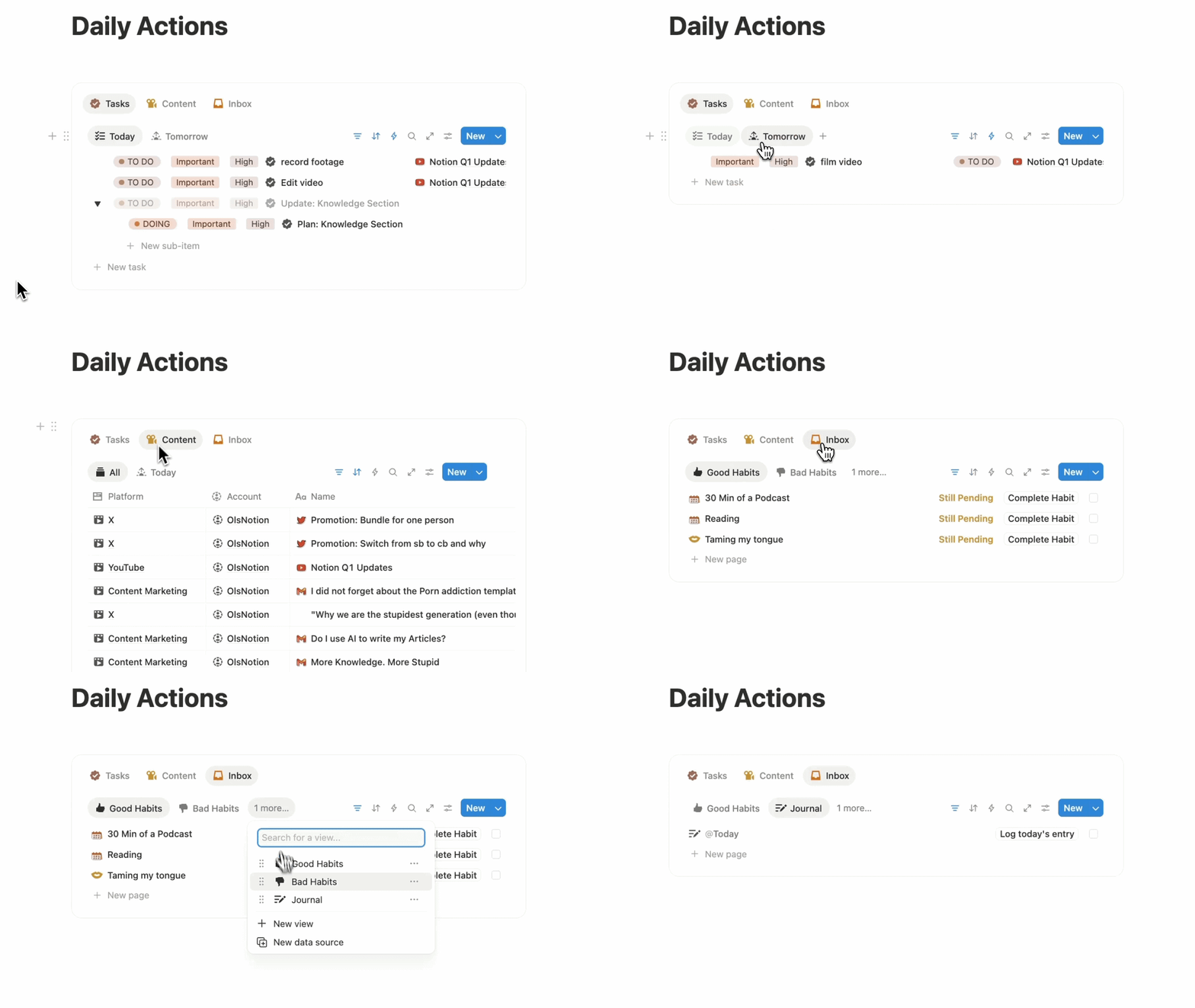
You can combine widgets from different databases — up to 4 per row and 12 total — all in one layout. You can also apply one global filter and it hits everything at once.
This is actually my daily inbox dashboard now. I use it every day.
Only available on Business and Enterprise.
3. AI Image Generation
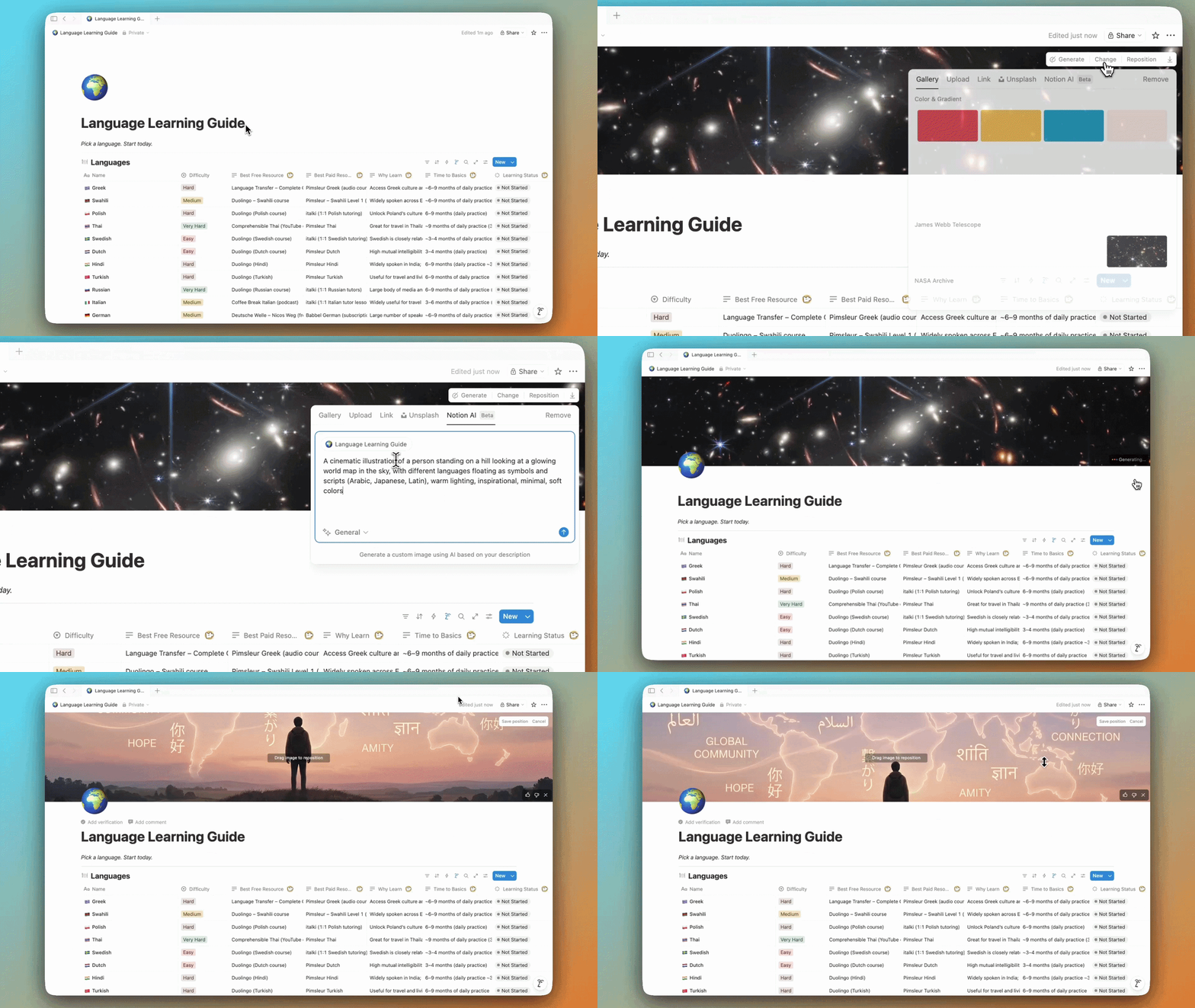
Notion can now generate images directly inside your pages. Covers, visuals, diagrams — just type /ai image, describe what you want, and it generates it. It can even use your page content as context.
It is still a bit slow and has limits, but it is a solid start.
4. Presentation Mode
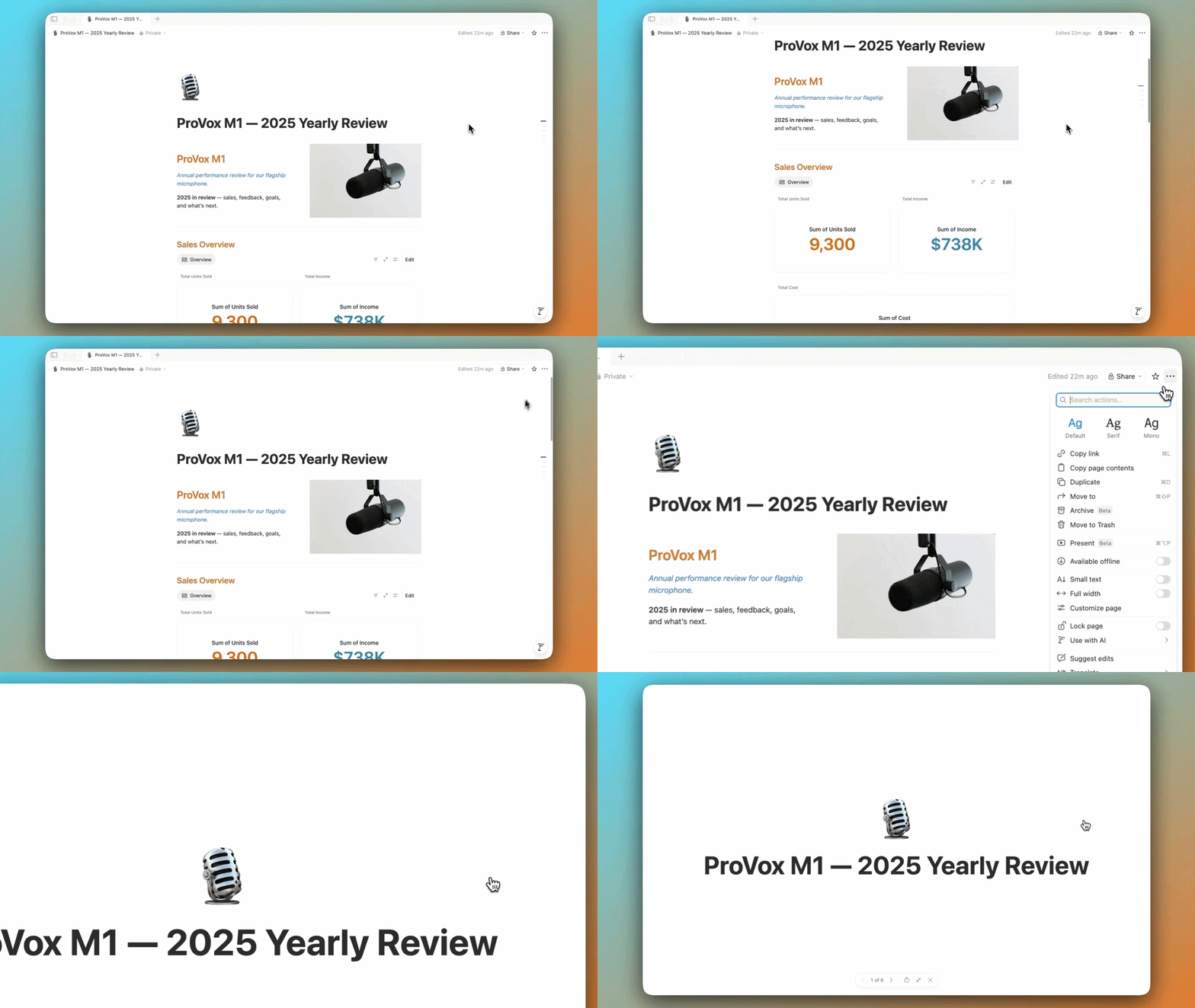
You can now turn any page into slides. Just separate sections with dividers, click present, and that is literally it.
Every block works — databases, images, everything. Super clean if you already use Notion for notes or reports.
5. Skills
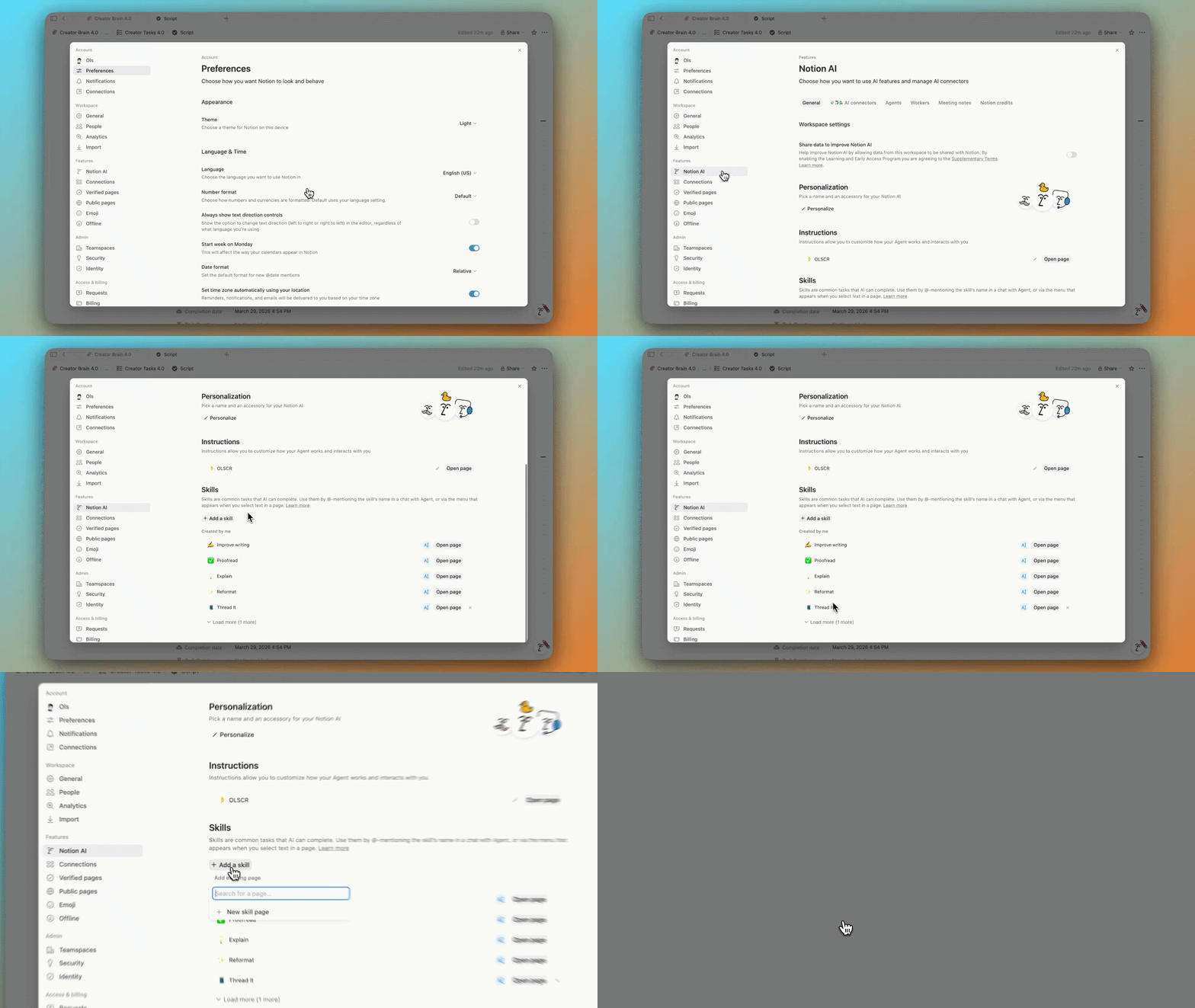
Skills are basically reusable prompts. If you keep writing the same prompt again and again, you can now turn it into a skill.
Write it in a page, open the three-dot menu, and save it as a skill. Then in your AI chat, just mention it and it runs instantly.
Simple idea, but it saves time every day. I use this one constantly.
6. Custom Meeting Notes Instructions
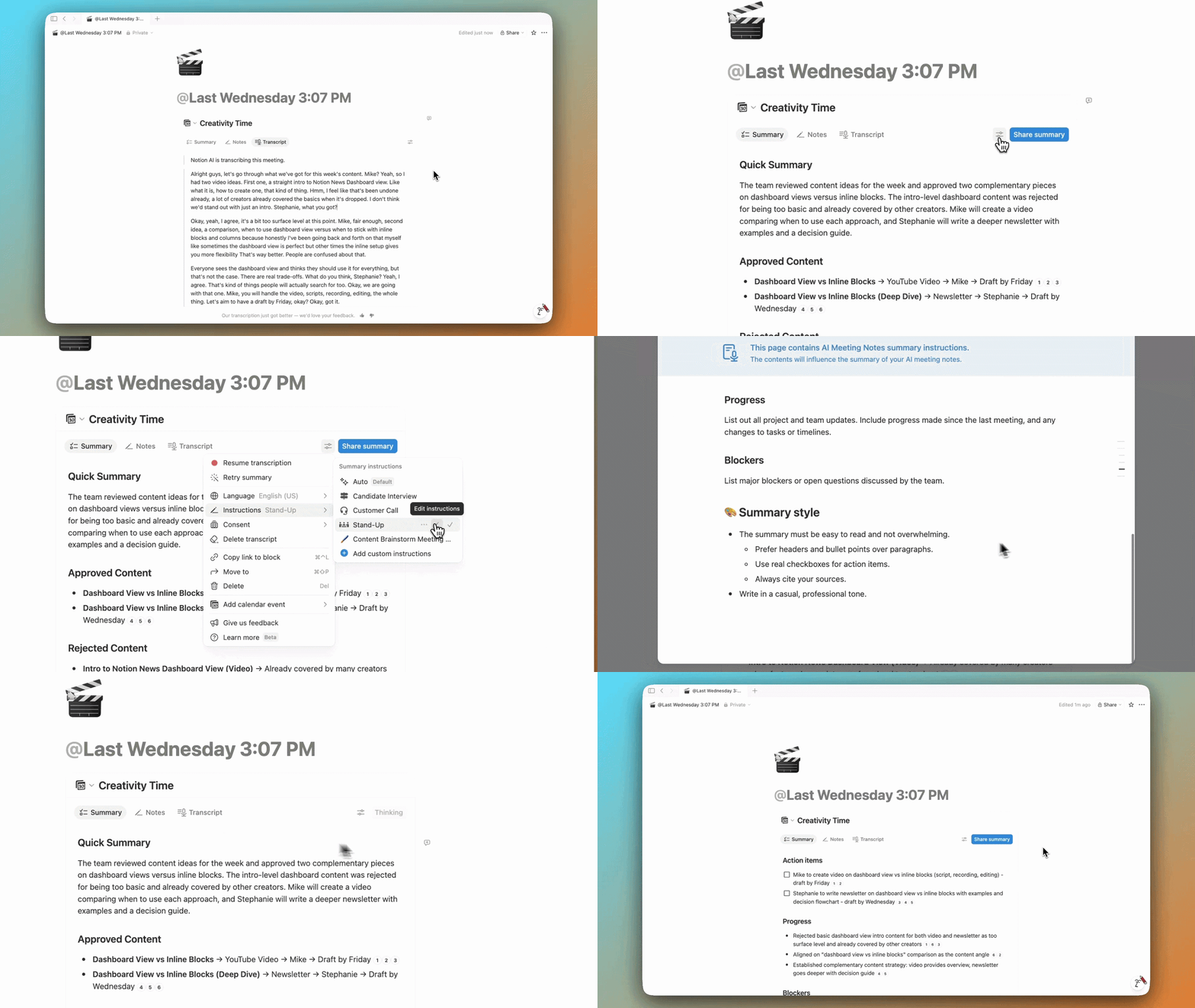
AI Meeting Notes now has custom instructions. You can define your own format — structure, tone, length, whatever you want.
For example, after a client meeting, you might want a ready-to-send summary email with just the key points. Set that format once and it is done automatically every time after every call. No editing. No reformatting. Actually useful.
7. New Sidebar
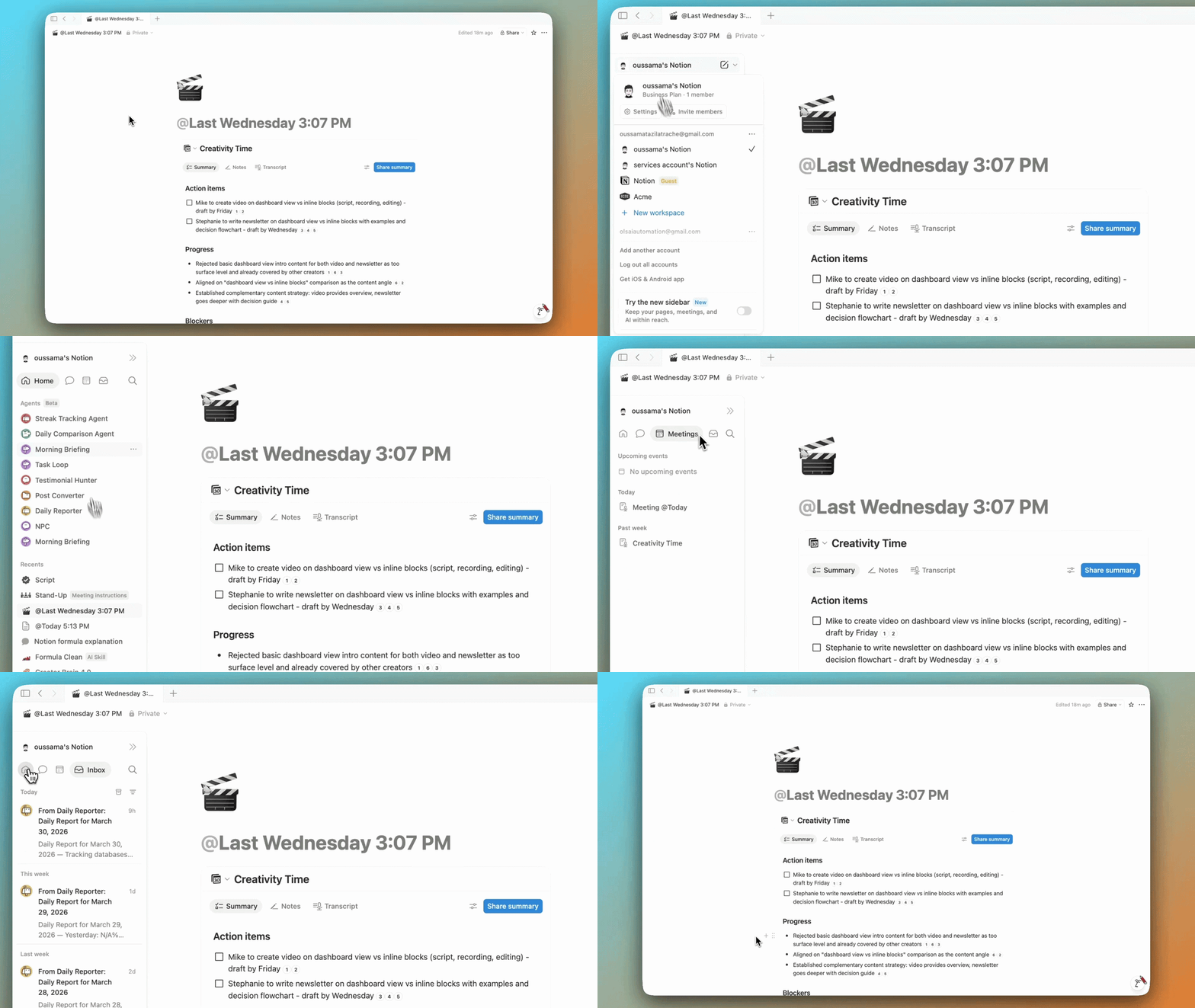
There is a new sidebar and it is a big improvement. You now have tabs for pages, chats, meetings, and notifications.
It is cleaner, more organized, and more customizable. Still optional for now. But once you try it, you probably will not go back.
8. Library
Library is a new full-page view for all your content. Instead of cluttering your sidebar, everything lives there — recents, favorites, teamspaces, private pages.
Stops the sidebar from becoming a mess. Simple fix, big difference.

9. “Can Create Pages” Permission
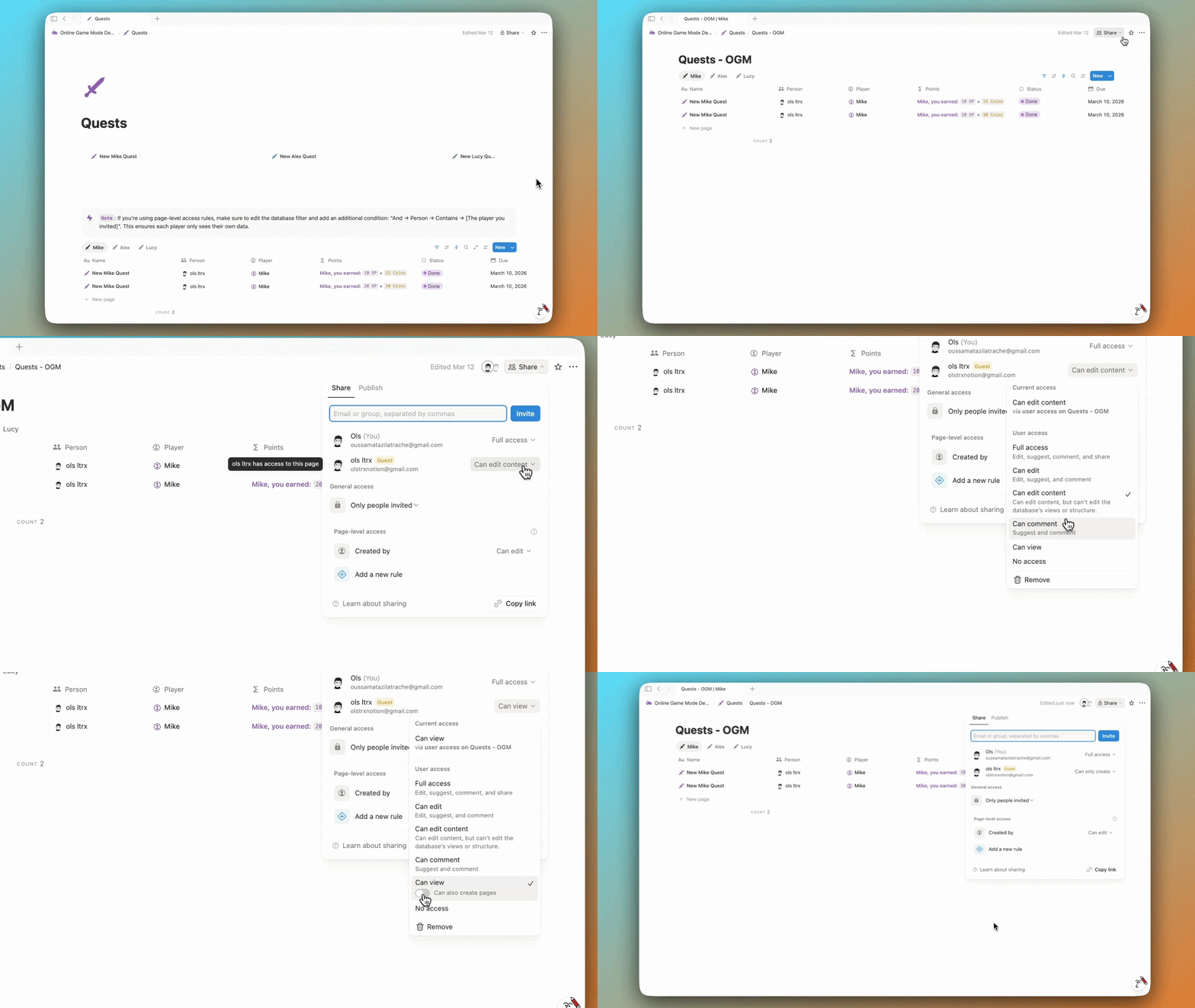
There is a new database permission. Someone can add pages to your database without seeing what else is in there.
If you run shared systems, this is the permission you have been missing.
10. Tabs Block
There is a new tabs block. You can organize content into tabs inside a page. No scrolling through long pages. Small thing, but once you use it, pages feel way more intentional.
11. Archive Pages
You can now archive pages. They disappear from search and sidebar, but they are not deleted.
If you lose one — go to your database settings and open archived pages. That is where they live.
12. AI Formulas
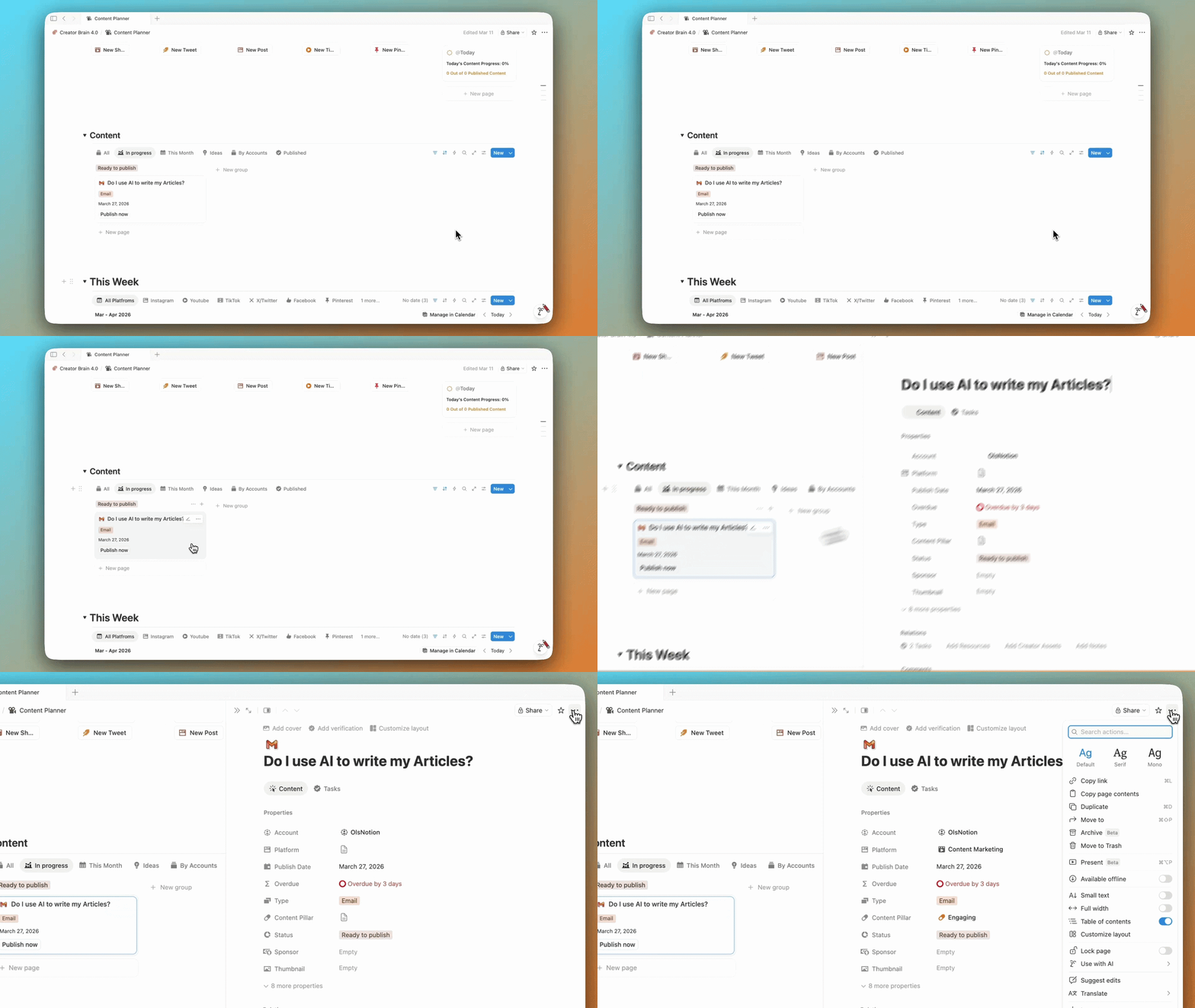
You can now describe a formula in plain language and Notion writes it for you. No syntax. No guessing. Just tell it what you need and it handles the rest.
13. Database Agent
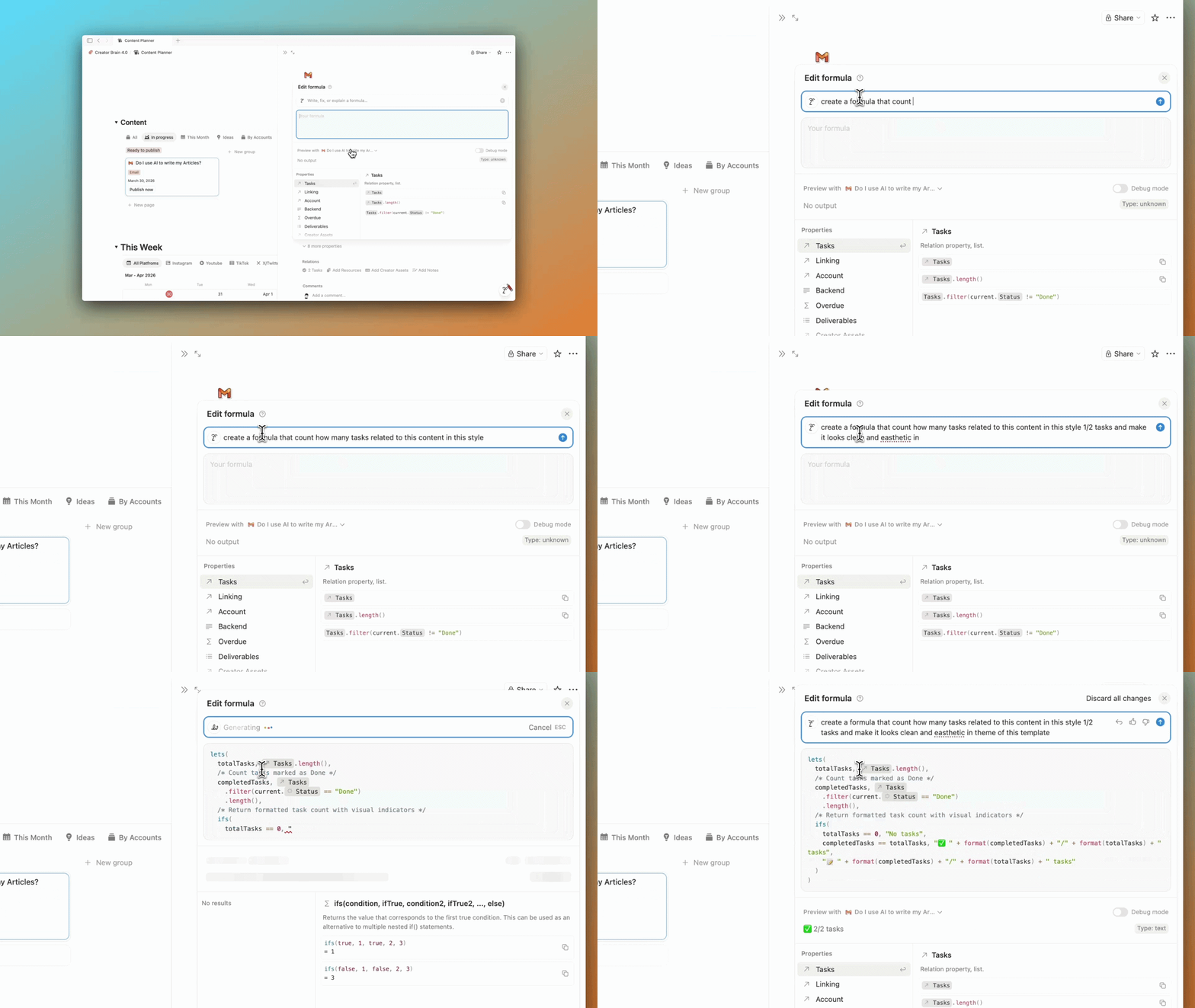
Forget the old AI autofill — this is way better. Instead of just filling properties, the agent actually does the work for you.
For example, if you are building a job application list, just add company names and it can tell you what people say about them, if you should apply, and even estimate the salary. It researches, reasons, and gives you actual answers. Like having someone do the grunt work for you.
14. Meeting Notes Consent
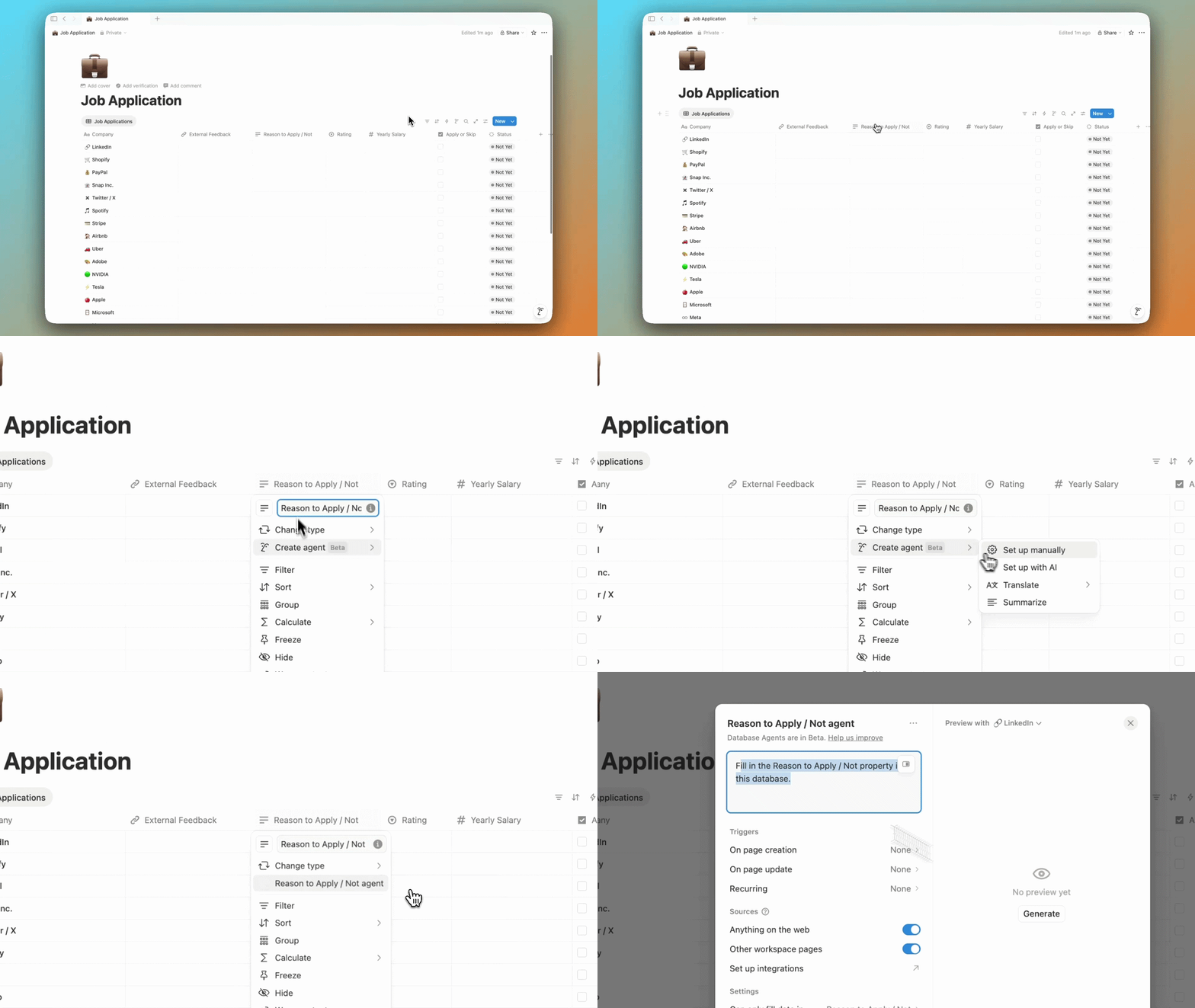
Admins can now enforce a consent message before recording meetings. Everyone in the call knows they are being transcribed. Simple but necessary.
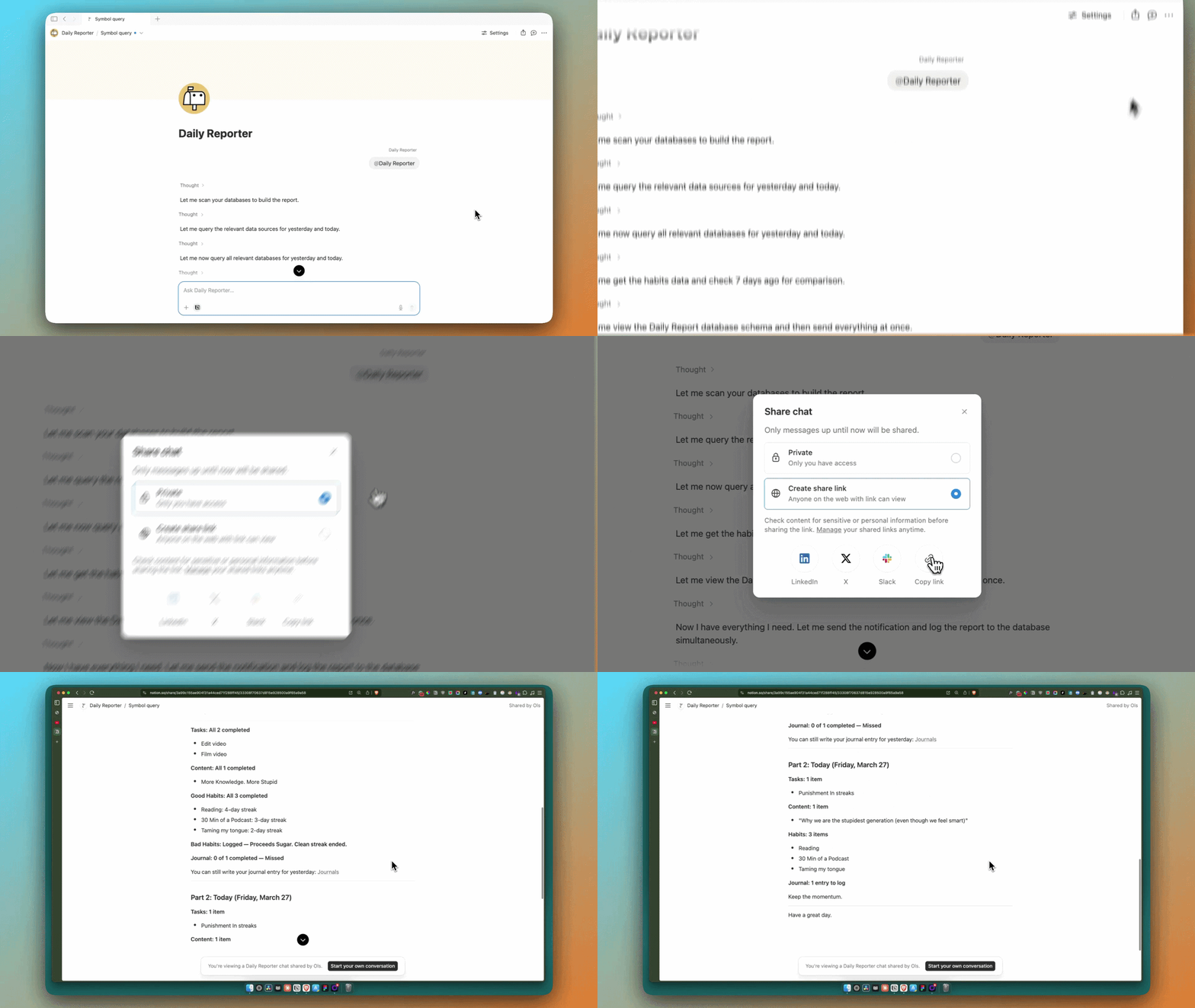
15. Share AI Chats
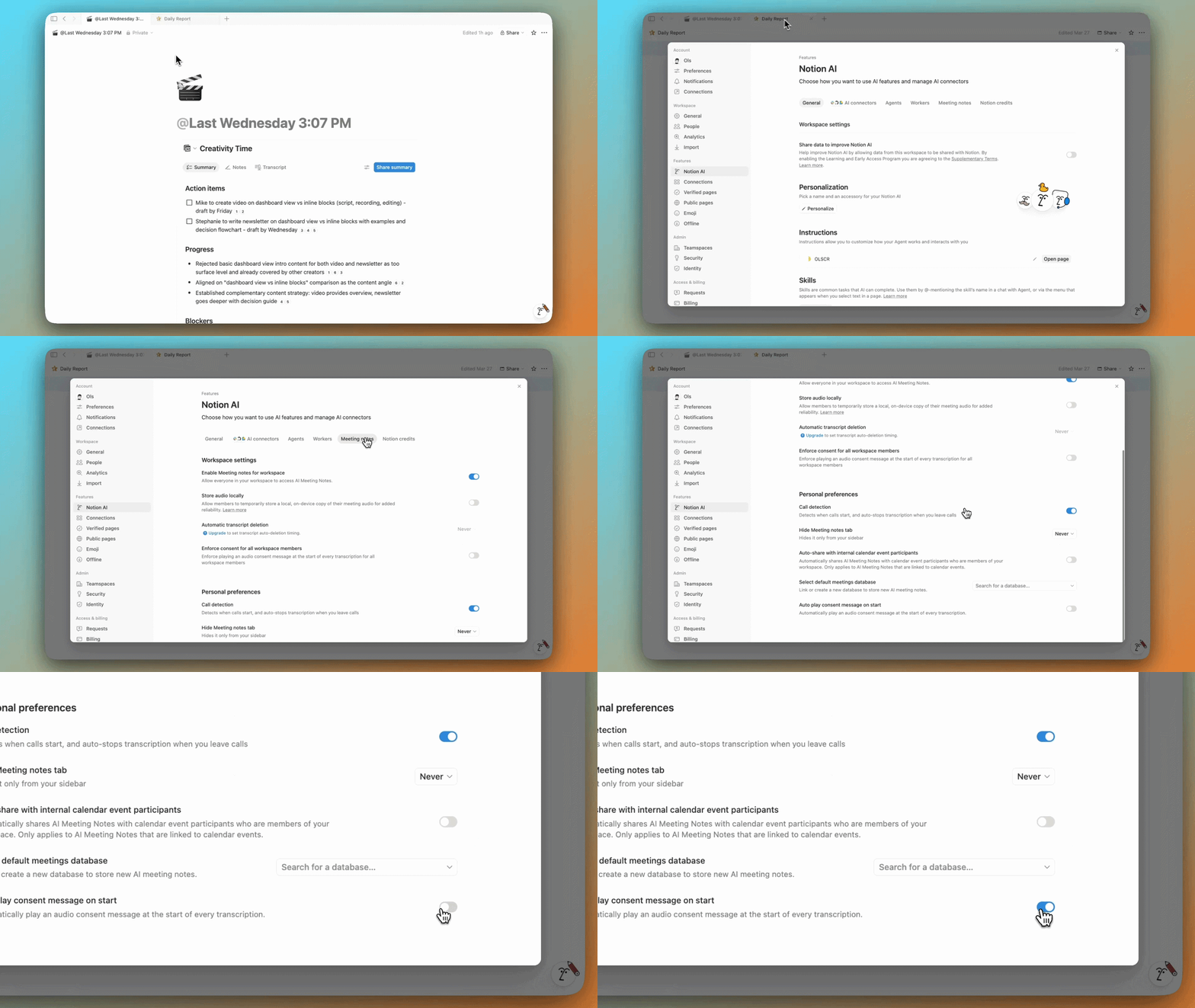
Got a good AI output? You can now share it as a read-only link. Send it to your team. No screenshots. No copy-pasting.
16. AI Models
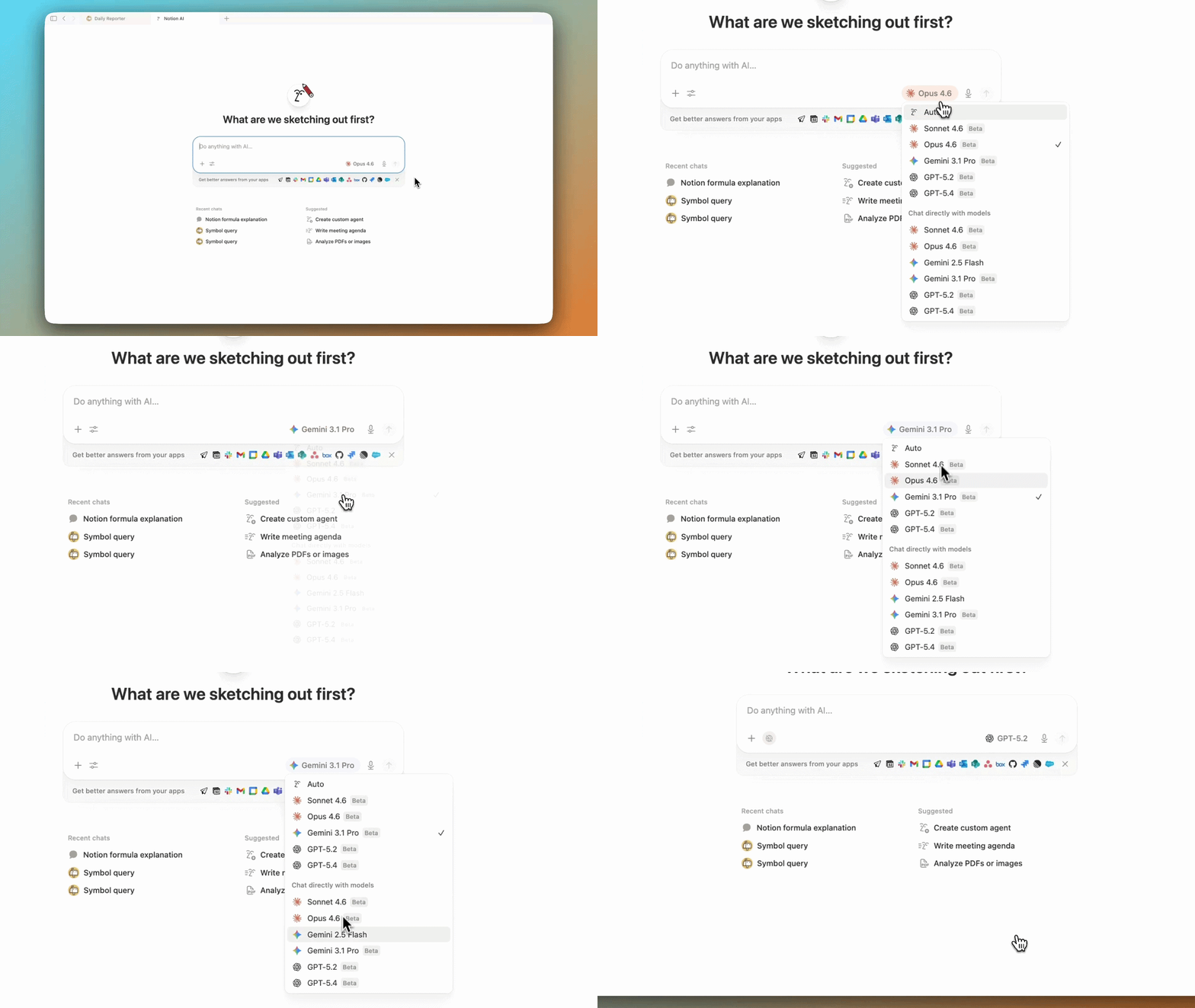
New models were added — Claude Opus 4.6, GPT-5.4, and MiniMax for cheaper agent tasks. You now have a lot more options depending on what you need.
Plus, you can switch between models freely.
17. New Integrations
Notion is expanding integrations. Salesforce, Asana, and Jira are now connected directly. Their data lives inside your workspace. If you use those tools, this is a big deal.

18. People Directory
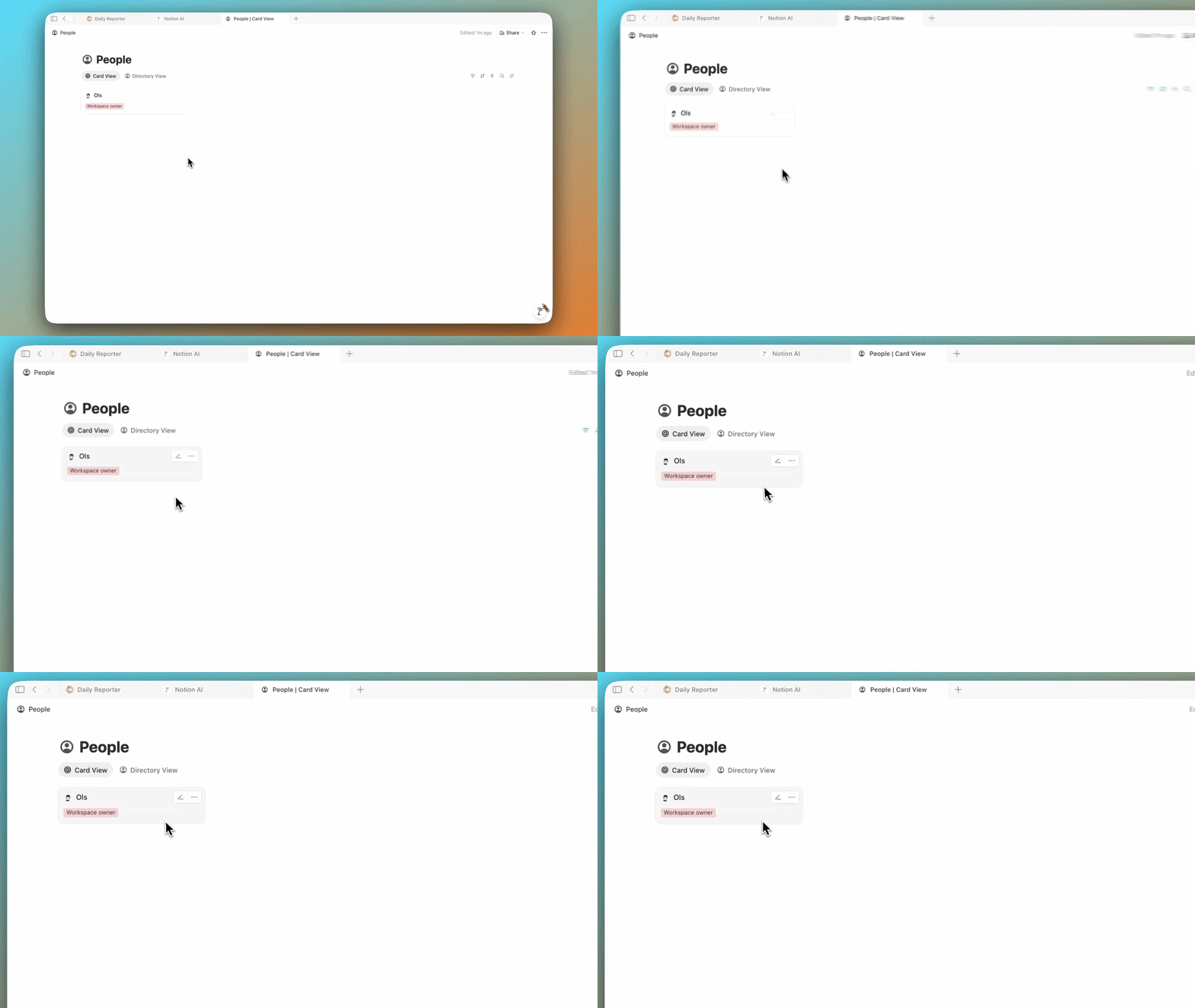
A database of everyone in your workspace. Fully customizable. Useful if you run a team or manage collaborators.
19. Performance Improvements
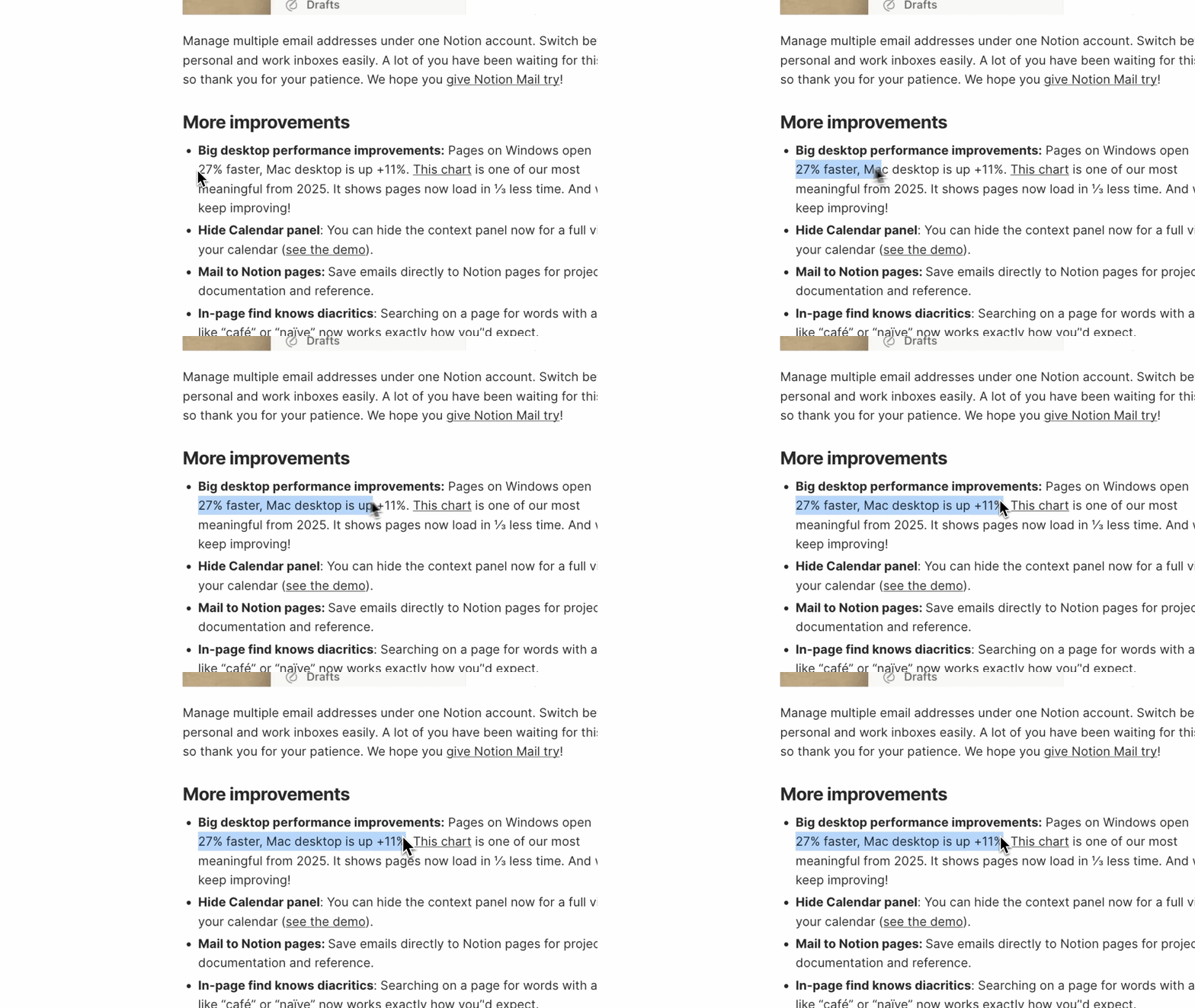
Pages open faster. Load times shorter. Everything just feels smoother. Hard to show in a screenshot. Easy to feel when you use it.
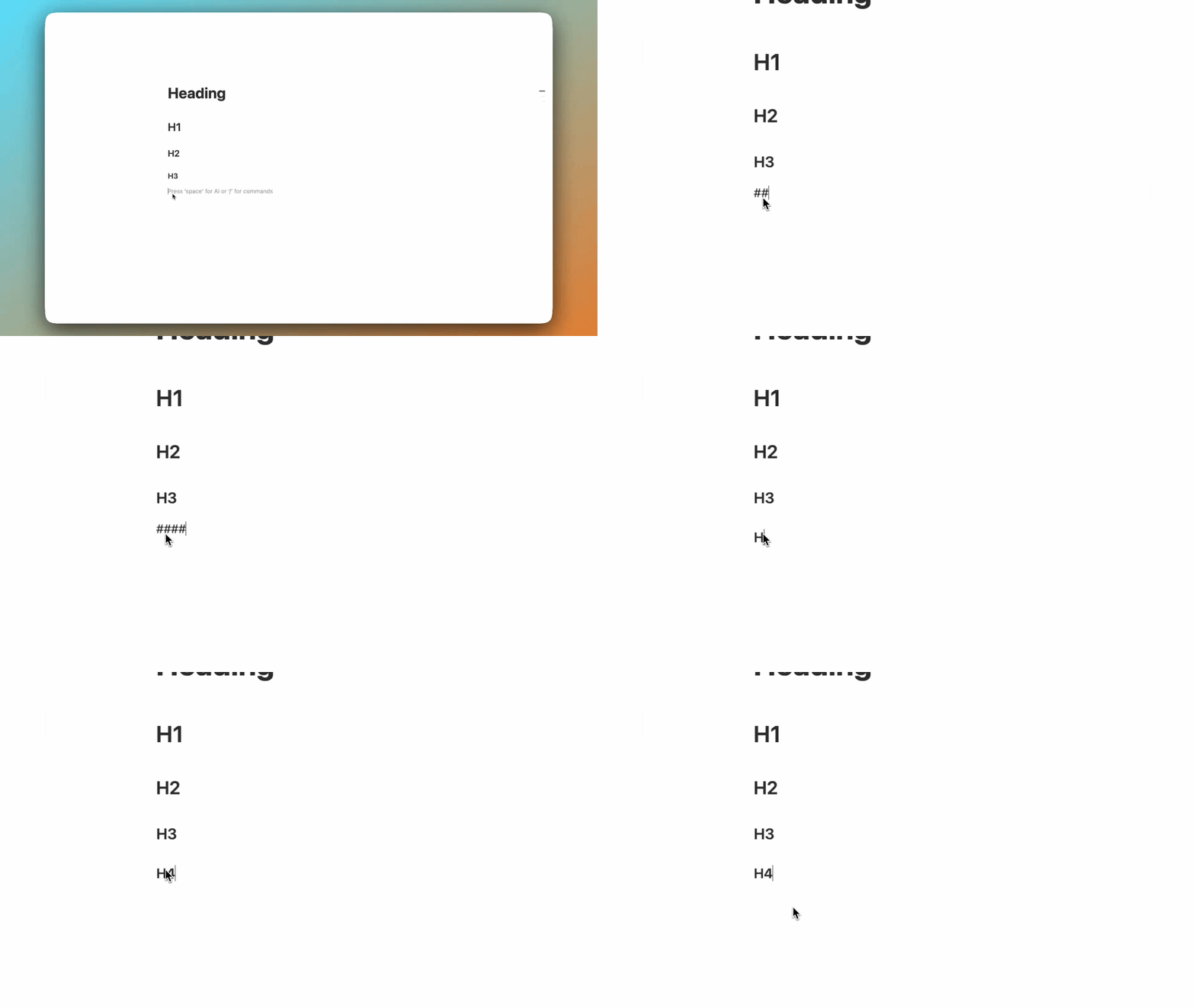
20. MCP Improvements
Audit logs, better database queries, more control over external tools. More is coming soon. Worth keeping an eye on if you use Notion with other apps.
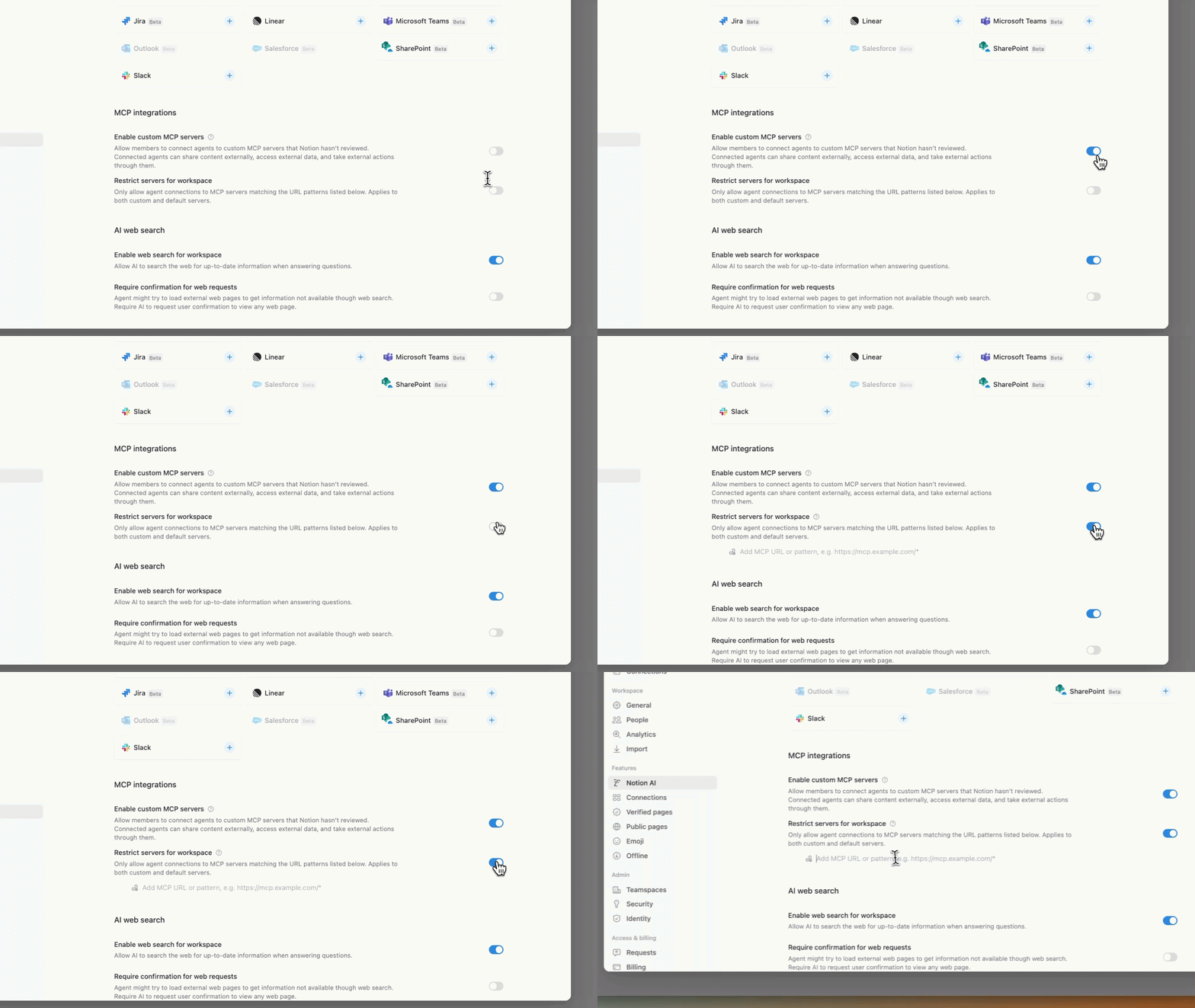
21. Notion Academy — More Languages
Notion Academy is now available in multiple languages including Spanish, French, Japanese, and more. If English is not your first language, it is now a lot more accessible.
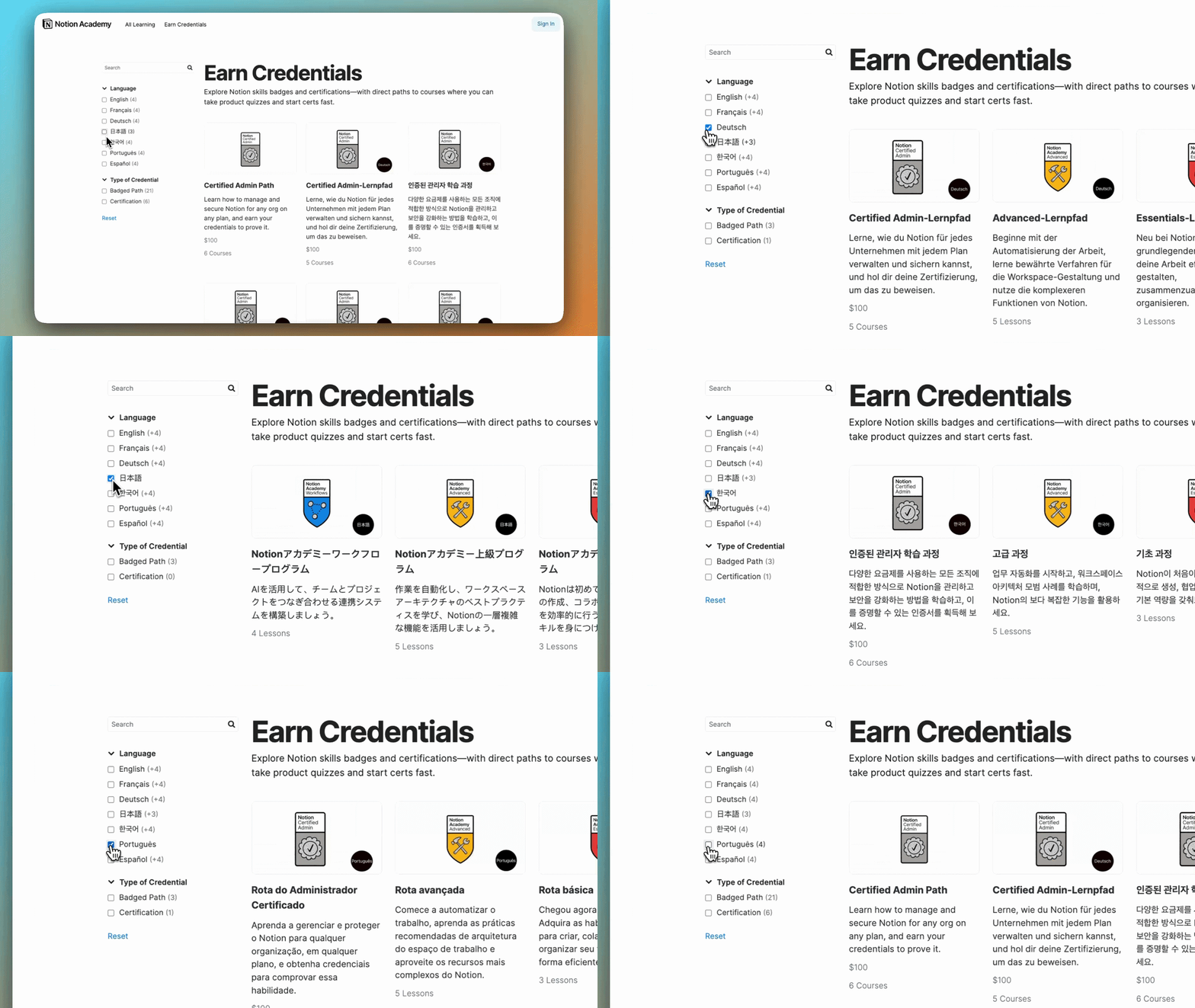
22. Diacritics Search
Search finally handles accents properly. Café, naïve — it finds them. Small. Late. But fixed.
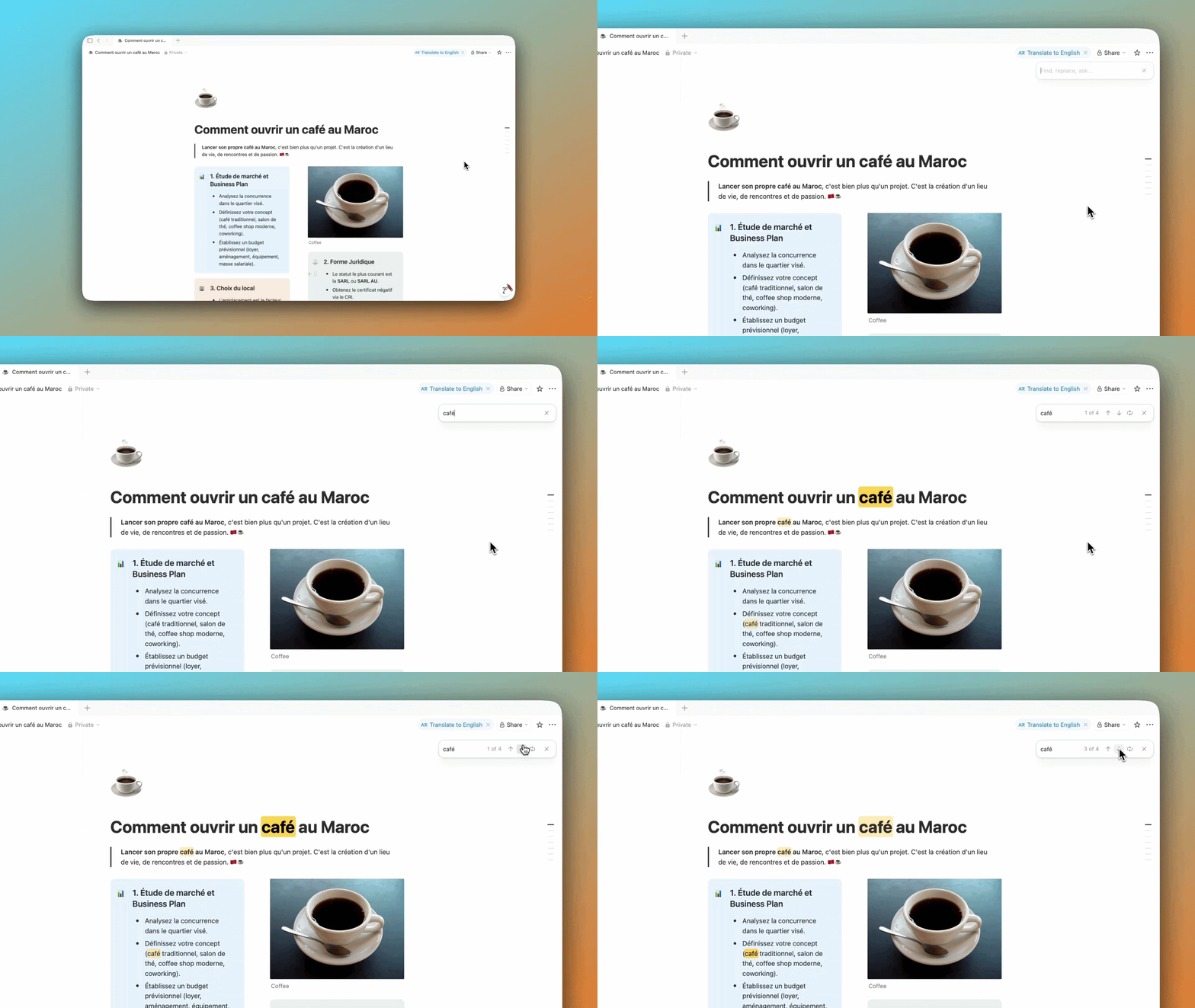
23. Heading 4
You can now use H4 inside your pages. Smaller than H3, bigger than text. Small update, but useful for better structure.
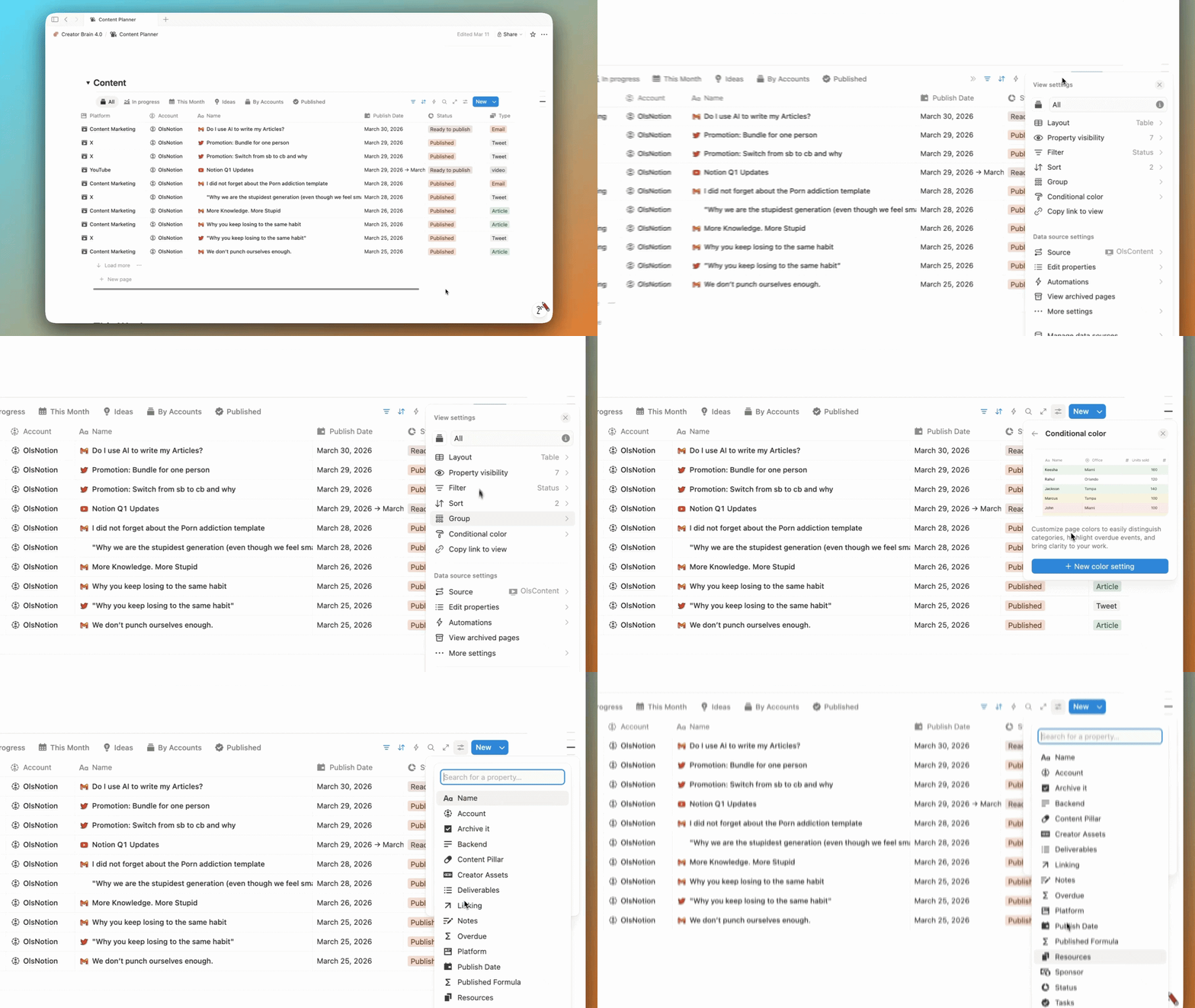
24. Conditional Colors
You can now apply colors based on conditions. Overdue task? It turns red automatically. Should have been there from the start. Finally is.
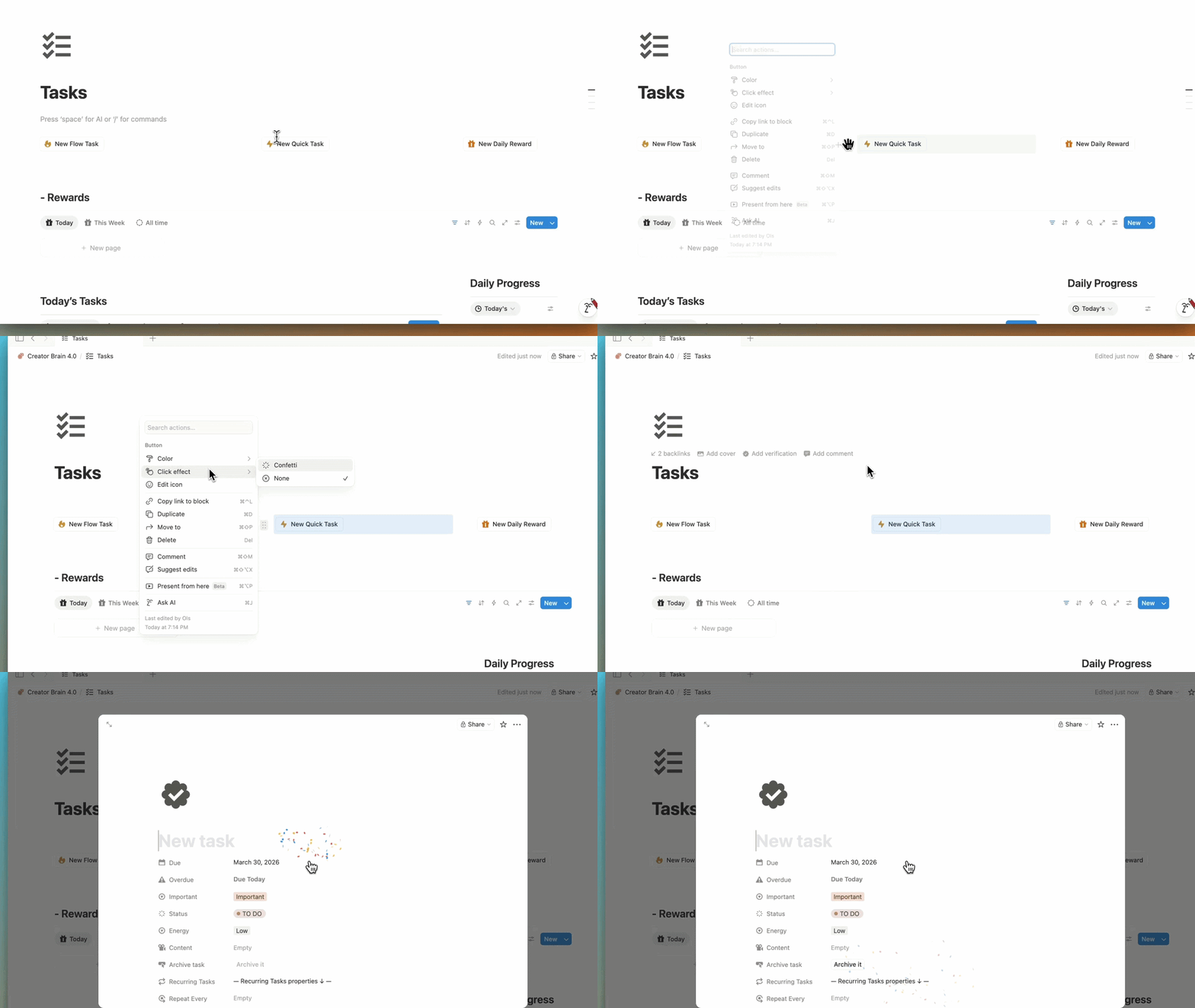
25. Confetti Animations
You can now add confetti to automations. Does it change your life? No. Does it make things more fun? Yeah.
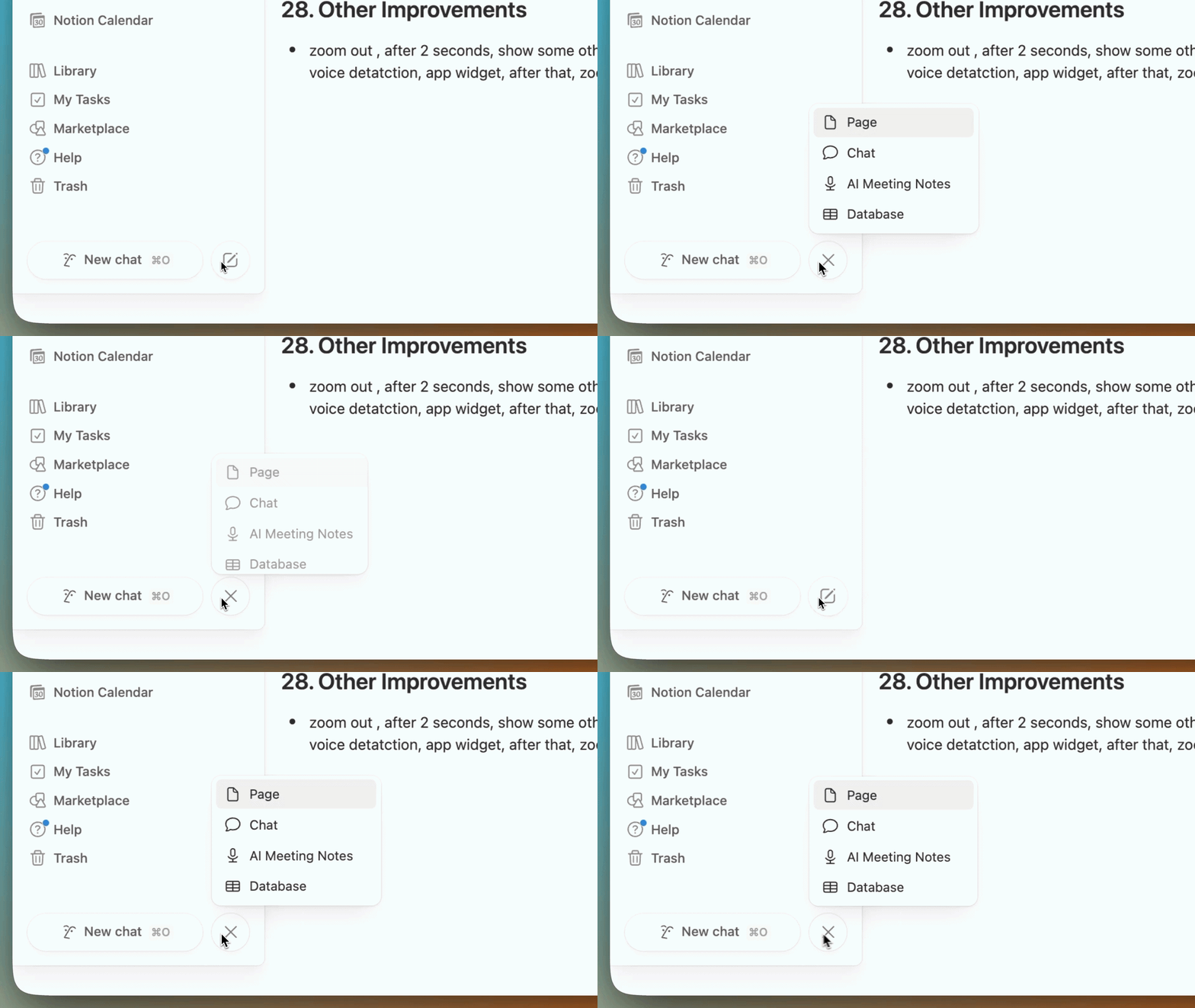
26. Other Improvements
Hide calendar panel, mute notifications, word lookup, better UI spacing, smoother animations, faster performance, more stability. Nothing major on its own — but together, Notion just feels way more polished.
Full Release Notes
For the complete official details on every update:
-> https://www.notion.com/releases
That is Q1 2026. Almost 30 updates in 3 months. If Notion keeps this pace, Q2 is going to be insane.
If you want a system inside Notion that takes advantage of all these features — without the overwhelm — Second Brain 7.0 is built for exactly that.
It is the system I use every day. 30% off right now, and you get version 7.0 free when it drops.
→ olsnotion.com/secondbrain